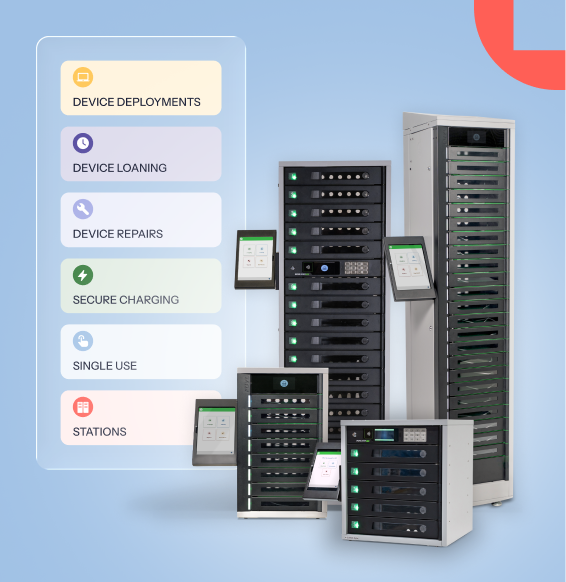
IT teams rarely manage devices in just one system.
A device might be loaned through a smart locker, tracked in an asset management platform, supported through a ticketing system, and managed through an MDM. When those systems don’t communicate, someone often has to notice what happened, copy the information, and recreate the next task somewhere else.
That’s why we’re introducing Automations Library for ForwardPass.
What is Automations library?
Automations Library is a ForwardPass software feature that gives IT teams a flexible way to use activity in ForwardPass to trigger actions in the other systems and tools they already use.
Automations Library currently supports 23 events across six workflow categories:
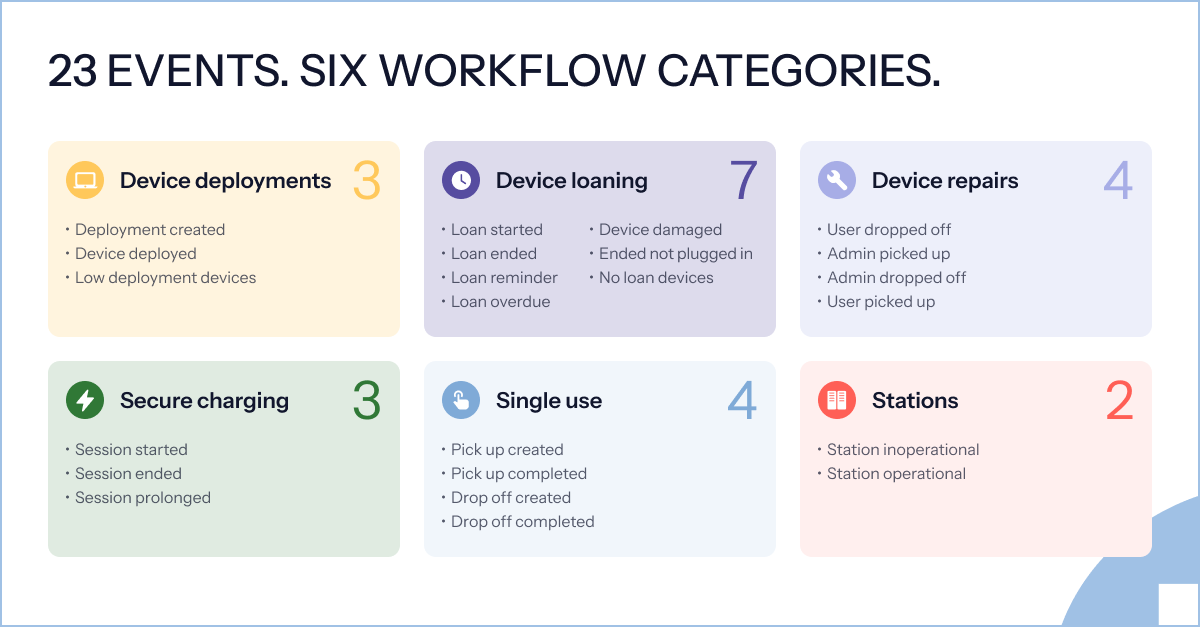
Each event represents something meaningful happening in ForwardPass — such as a device being dropped off for repair, a loan ending, device availability running low, or a station changing status.
Those events can then be used to help start the next step elsewhere in your IT operation.
The value of Automations Library isn’t simply that an event can be sent somewhere else. It’s what your team can do with that information.
For example, you could use Automations Library to:
- Support repair ticket creation when a device is dropped off.
- Alert the right team when a station becomes inoperational.
- Prompt a restock when available devices are running low.
- Trigger a downstream device-management action when a particular device event occurs.
- Send information into another workflow without waiting for someone to manually move it there.
That means the activity already happening in ForwardPass can become part of a wider IT process instead of ending at the smart locker.
How Automations Library works
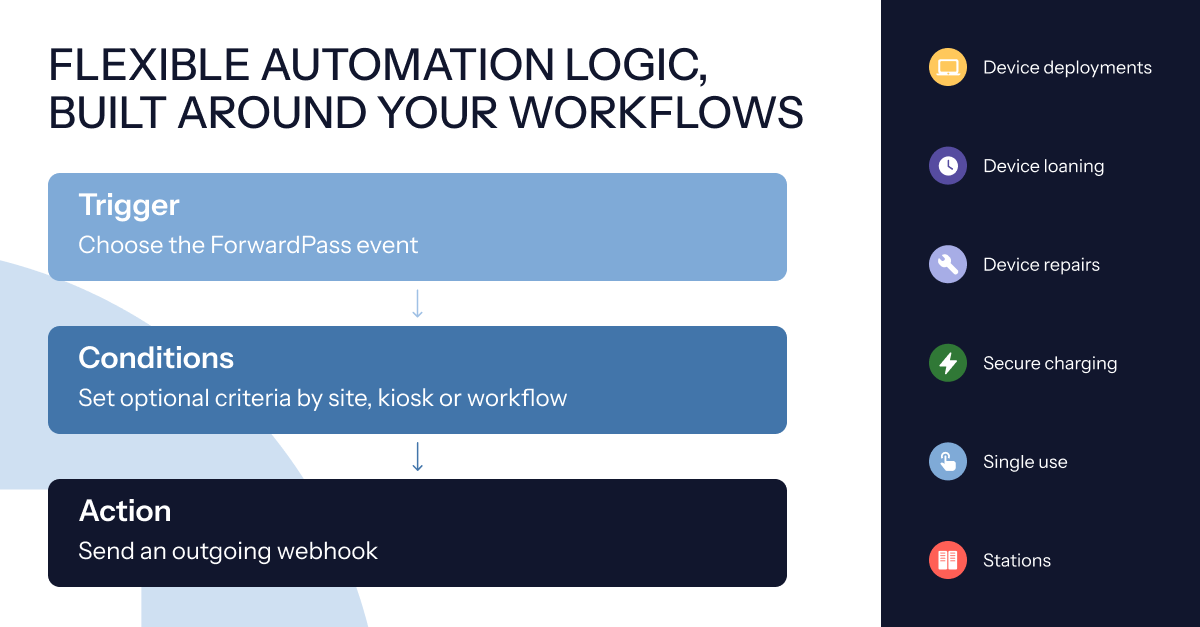
Every automation follows a simple structure:
-
First, choose the ForwardPass event that should start the automation.
-
Then, if needed, add conditions to narrow where it applies. Conditions can be set by site, kiosk, or workflow, so an automation only runs where it’s relevant.
-
When those criteria are met, ForwardPass sends an outgoing webhook containing information about the event.
Depending on the event, that information can include details such as the event type, timestamp, site, kiosk, workflow, user, device, and other event-specific data.
The result is a flexible way to take something that happens in ForwardPass and make it useful elsewhere.
Connect ForwardPass with the tools your team already uses
Some systems can receive webhooks directly. In those cases, connecting an automation may be as simple as adding the receiving system’s endpoint.
Other systems may require middleware — such as an automation or integration platform — to translate the information from ForwardPass or determine what should happen next.
This flexibility means IT teams can use Automations Library with a wide range of tools and processes rather than being limited to a small set of pre-built connections.
Less manual follow-up. More connected processes.
Device programs become harder to manage when information gets stuck between systems.
A repair may be recorded in one place but still need a ticket elsewhere. A station issue may be visible in ForwardPass but still require someone to notify the right team. A low-stock event may be easy to see, but someone still has to act on it.
Automations Library helps close those gaps.
By automatically sending relevant information when important events happen, IT teams can reduce repetitive handoffs and create a more consistent response across their device workflows.
And because automations can be narrowed by site, kiosk, or workflow, organizations with multiple locations or different device processes can decide exactly where each automation should apply.
Want to see Automations Library in action?
Talk to our team about the device workflows and systems you’d like to connect.
And if you want to hear what ForwardPass can mean in practice, watch how customers are using it to save time and reduce the day-to-day effort of managing devices.