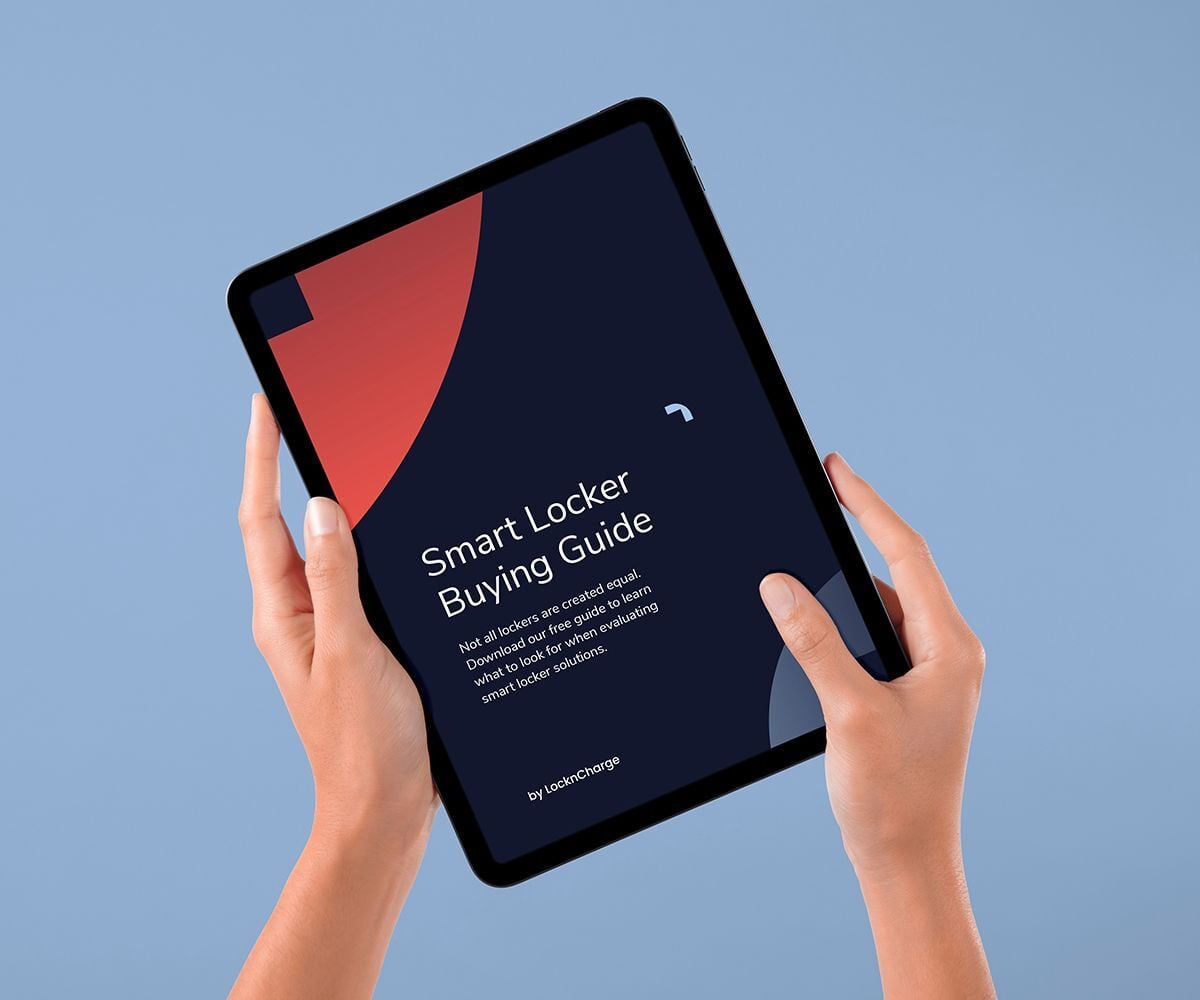
The smart locker for workplace device handoffs

Device support should not depend on IT being in the same office, working the same schedule or available at the exact moment an employee needs a device.

ForwardPass gives workplace IT teams a secure smart locker system for new-hire device pickup, offboarding returns, break/fix replacements, loan devices and remote-site support. Employees get self-service access to the right device, while IT assigns access remotely and keeps a record of who picked up or returned what, when, where and why.

Find Out More
778_408-The-Smart_Locker_for_Workplace-Device_Handoffs-2026.07.17

Workplace device support is harder to scale
than it should be

Employees expect fast support whether they are starting a new role, replacing a broken laptop, returning equipment, or working from a site without dedicated IT staff.

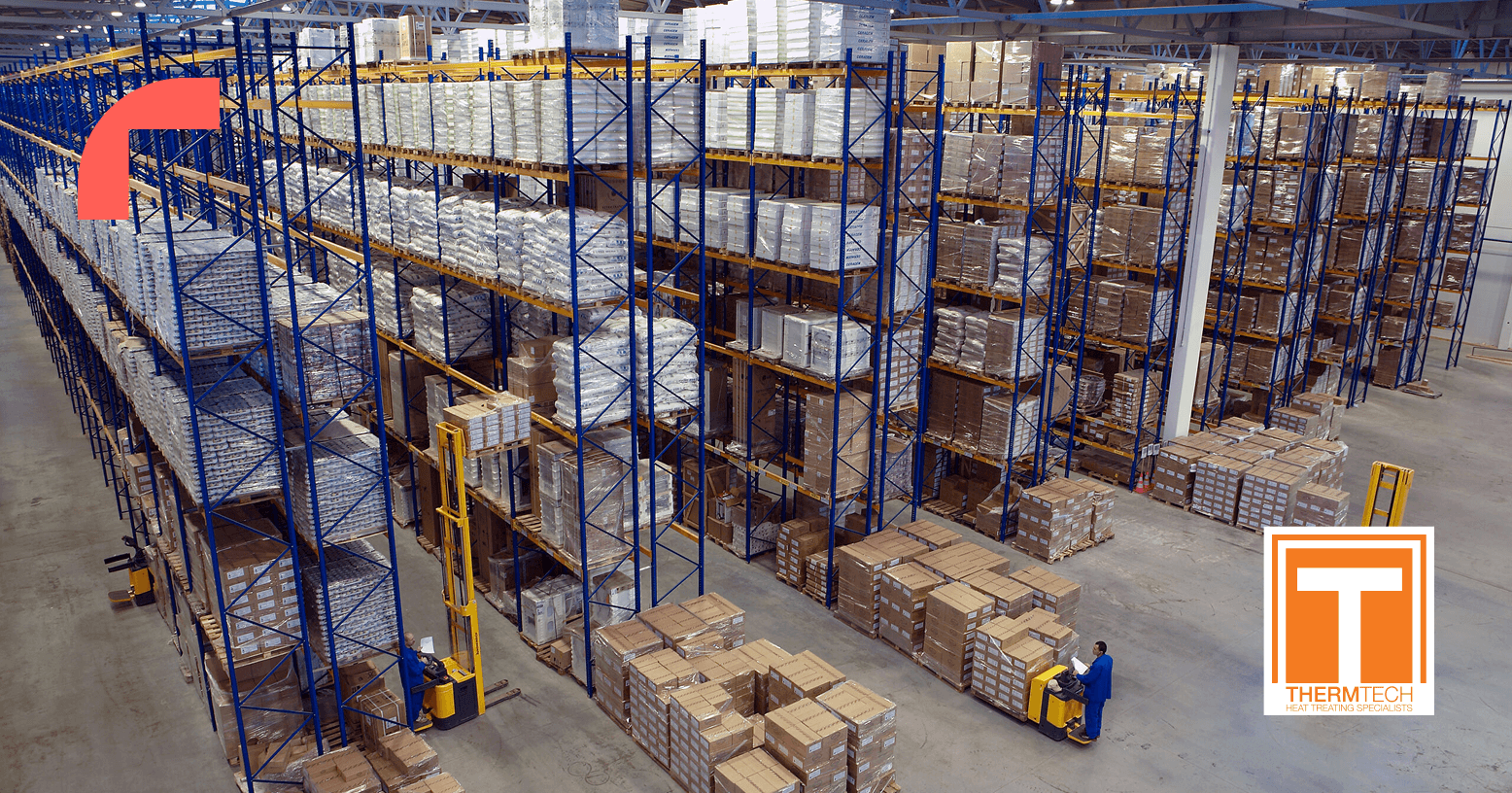
How ThermTech standardized device handoffs across six buildings

ThermTech operates around the clock, with employees relying on company-issued phones for communication, work orders, and daily operations. Managing shared and individually assigned devices across multiple shifts created challenges with missing phones, inconsistent charging, and manual tracking.

ThermTech deployed ForwardPass smart lockers across six buildings to create a secure, self-service process for retrieving and returning work phones. Employees now have a consistent device handoff experience, while IT maintains visibility and accountability without overseeing every exchange.

“Phones stay secured and charging, and we have clear accountability without chasing people down.”


Read the ThermTech Customer Story
778_408-How-ThermTech-standardized-device-handoffs-across-six-buildings-2026.07.17

The hidden friction behind workplace device support

Workplace IT teams are not just handing out equipment. They are managing onboarding, offboarding, break/fix replacements, loaners, remote-site support, and audit requirements across teams and locations. When those handoffs stay manual, employees wait, local staff improvise, and IT loses control of the record.

No one knows who has which device

Laptops, tablets, phones, chargers, and accessories move between employees, desks, storage rooms, remote offices, and home locations. Without a reliable chain of custody, IT cannot easily prove who took what, when it went out, whether it came back, or what condition it was returned in.

Devices go missing or fall out of circulation

Work devices get misplaced, stored in cupboards, held by former employees, or left unused after role changes. That creates asset waste and forces IT to buy or maintain more spare inventory than the organization may actually need.

Break/fix replacements take too long

When a laptop is broken, lost or unusable, the employee needs a fast path back to work. If every replacement depends on IT availability, an appointment, a shipment or a local handoff, employees wait and productivity stalls.

Local staff are pulled into device handoffs

Remote offices often rely on reception, facilities, managers or front-desk teams to store, hand out and collect devices. That adds work for employees outside IT and makes documentation less consistent across locations.


Manual loaner programs do not scale

A small pool of loan devices can work when one person manages it closely. Across more locations, roles, time zones and after-hours needs, IT must reserve devices, protect priority inventory, manage access and follow up on returns.


Device support becomes inconsistent across locations

When some offices have onsite IT and others rely on remote teams, MSPs or local staff, each location can develop its own workaround. Employees may receive a device that does not match their role, image, access requirements or location, creating delays and additional IT work.

How employee device access works

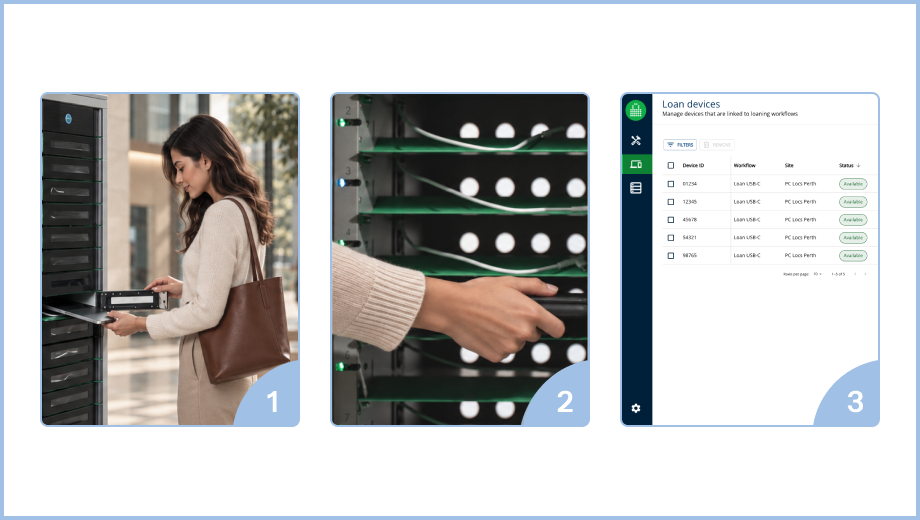
1. IT prepares and assigns the device
IT places a ready device in a secure bay and assigns it to the employee through the appropriate workflow.

2. The employee signs in and collects it
The employee authenticates at the locker using the configured method. The assigned bay opens so they can pick up the device without waiting for IT.

3. IT reviews the handoff remotely
From the ForwardPass Portal, IT can see device access and the associated handoff details, including the user, device, time and location.

FP-Global-Workplaces-Page-Graphics-2026.09.24

See how ForwardPass could fit your organization.

Book a Discovery
US-AU-FP-Offices-Industry-Page 4-2026.04.17

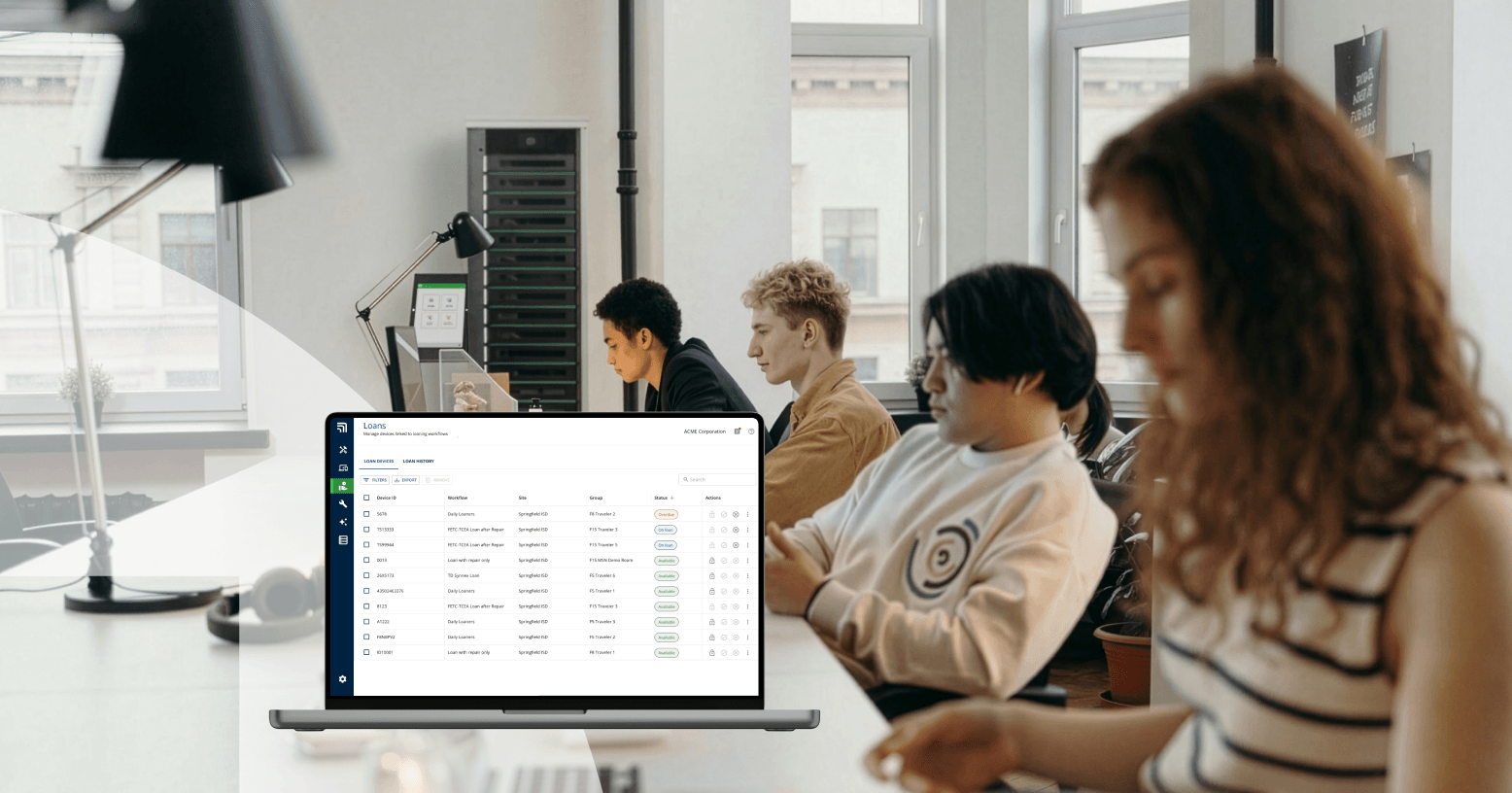
Your Smart Locker Buying Guide

Not all lockers are created equal. Download our free guide to learn what to look for when evaluating smart locker solutions.

Get the Guide
ipad-smart-locker-guide

FAQs

A workplace smart locker system combines secure locker hardware with software that manages access, assignments and transaction records. For employee devices, it gives approved users a self-service way to pick up, return or exchange laptops, phones, tablets and other equipment while IT keeps centralized control.

IT stages a prepared device in a secure bay and assigns access to the approved employee. The employee authenticates at the locker, retrieves the device and completes a recorded handoff. IT can manage access remotely without being physically present for the exchange.

Yes. Once IT has staged the device and approved access, the employee can complete the pickup or return through the locker without an IT team member being physically present for the exchange. IT continues to manage access and activity remotely.

ForwardPass records supported pickups, returns and exchanges with details such as the user, device, time and location. This creates a clearer chain of custody and gives IT consistent information for follow-up, reporting and audits.

Yes. IT can stage an assigned device for a new employee to collect through a controlled Deployment workflow. For offboarding, the locker provides a secure return point that records when and where company equipment was returned.

Yes. ForwardPass Repair and Replacement workflows can separate the physical device exchange from the technician’s schedule. An employee can return a broken device and collect an approved replacement or loan device through a secure, guided process.

No. ForwardPass complements IT asset management, service-desk and endpoint-management systems by managing the physical device handoff. It records who picked up or returned a device, when and where the transaction happened, while existing IT systems can continue to manage inventory, device health and the broader asset lifecycle.

In a hybrid office, smart lockers give approved employees a secure way to collect or return company devices when their schedules do not overlap with IT. ForwardPass keeps access controlled and records each supported handoff, helping IT support flexible schedules without running every exchange in person.

Stay up-to-date with our latest news