
Don’t let unorganized device checkout processes hurt employee productivity

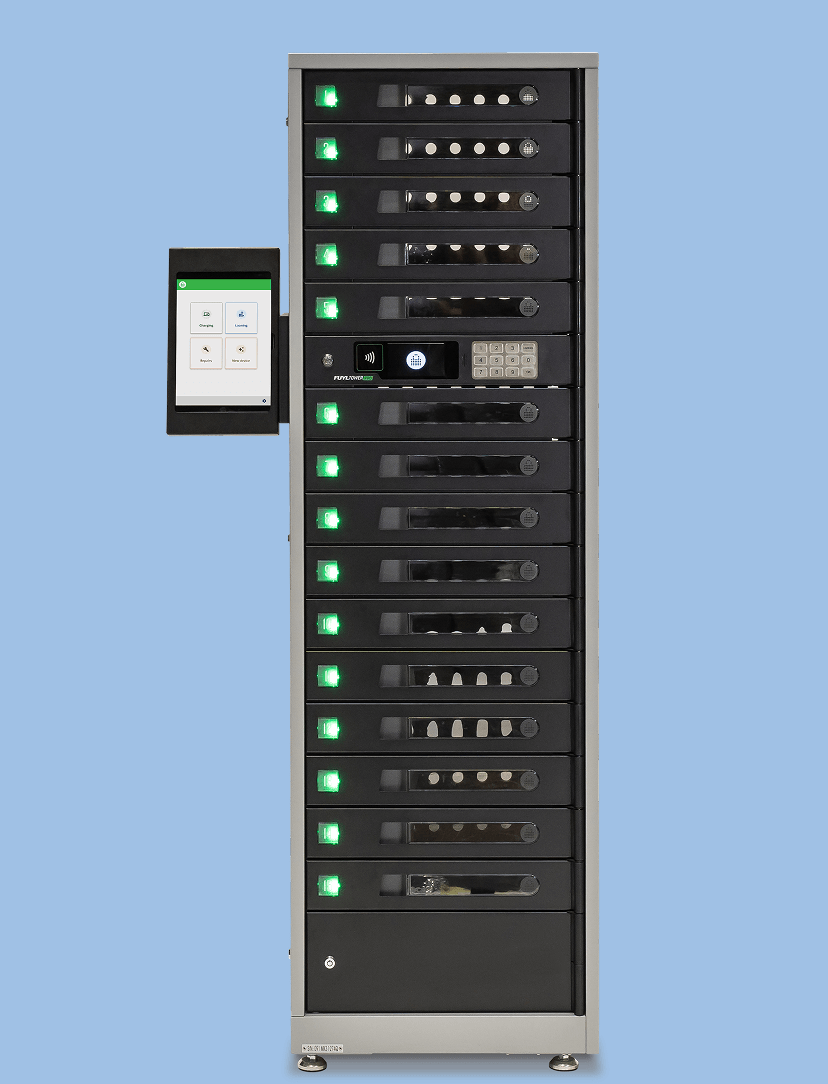
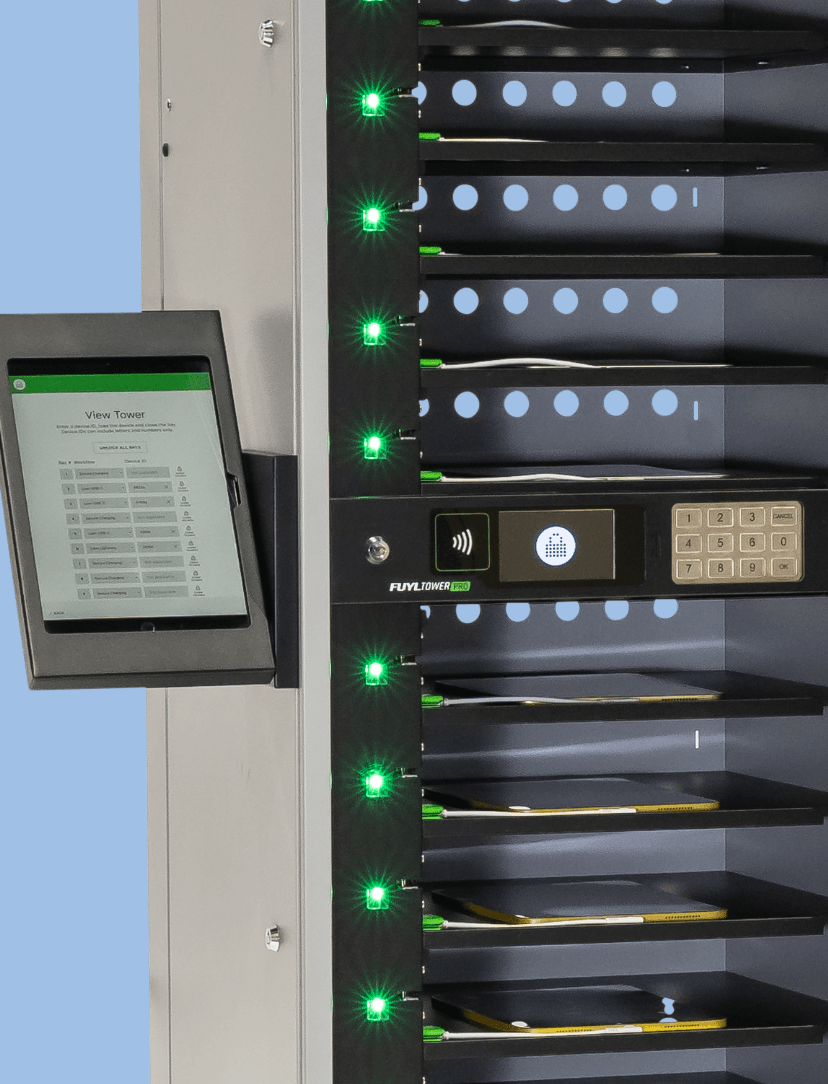
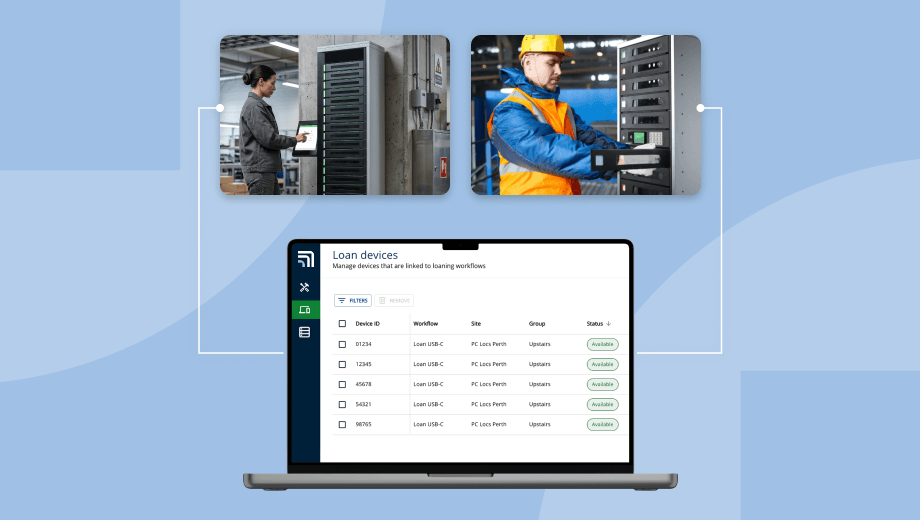
By using a ForwardPass Classic smart locker system to streamline access, deployment, and return of assigned devices — authorized employees can quickly access the tools they need with an RFID or PIN, while device managers maintain control and oversight remotely.

Learn More
Everything you need to manage devices at scale

Built into every ForwardPass Classic smart locker subscription

Forgotten and broken devices shouldn't hinder students' or employee's ability to learn or work

Automate workflows for loaner checkouts and broken device exchanges by connecting ForwardPass Classic to a pre-built help desk integration — Incident IQ or Tech Director Toolbox — or by building a custom integration with your other key systems via the ForwardPass API.

Learn More

Manage, assign, and track locker access remotely to better understand who has checked out or returned a device

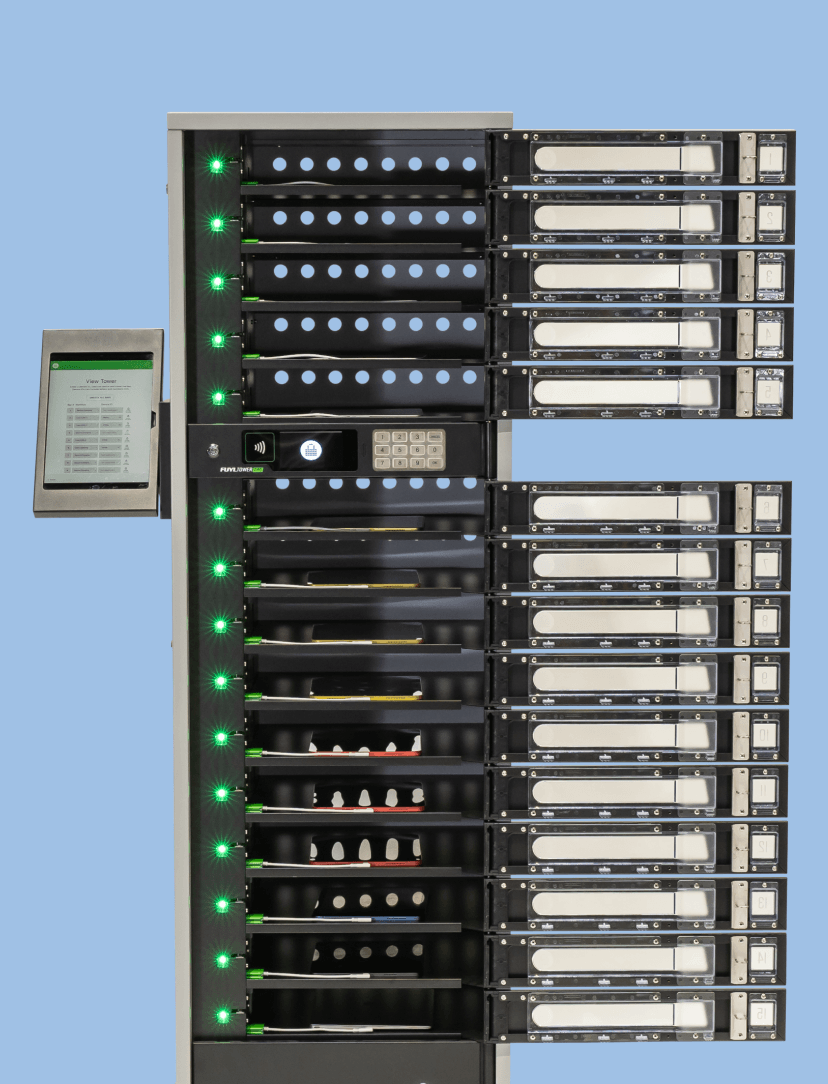
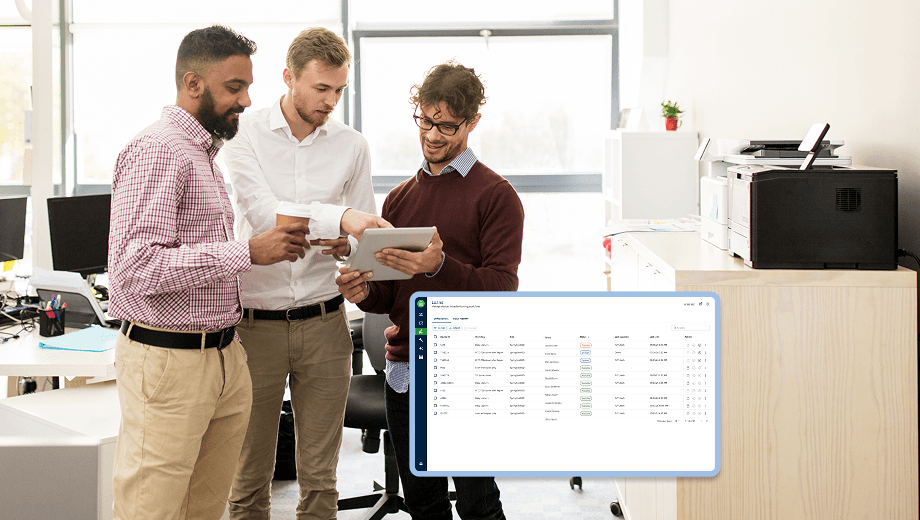
Once authorized, users have immediate access to ready-to-go devices via the ForwardPass Classic smart locker. IT teams can then view who accessed a bay and know the status of that bay from the ForwardPass Cloud portal — including remote bay unlock without being on-site.

Learn More

Manage users via Portal or connect your existing user directory

Easily add users individually in the ForwardPass Cloud portal, connect a supported user directory (Okta, Google Workspace, Microsoft Active Directory), or custom build a directory integration via the ForwardPass API.

Learn More

For a low, monthly fee, a subscription to the ForwardPass smart locker system includes:

Cloud-based ForwardPass software with flexible workflows and features for program admins to manage the system remotely.

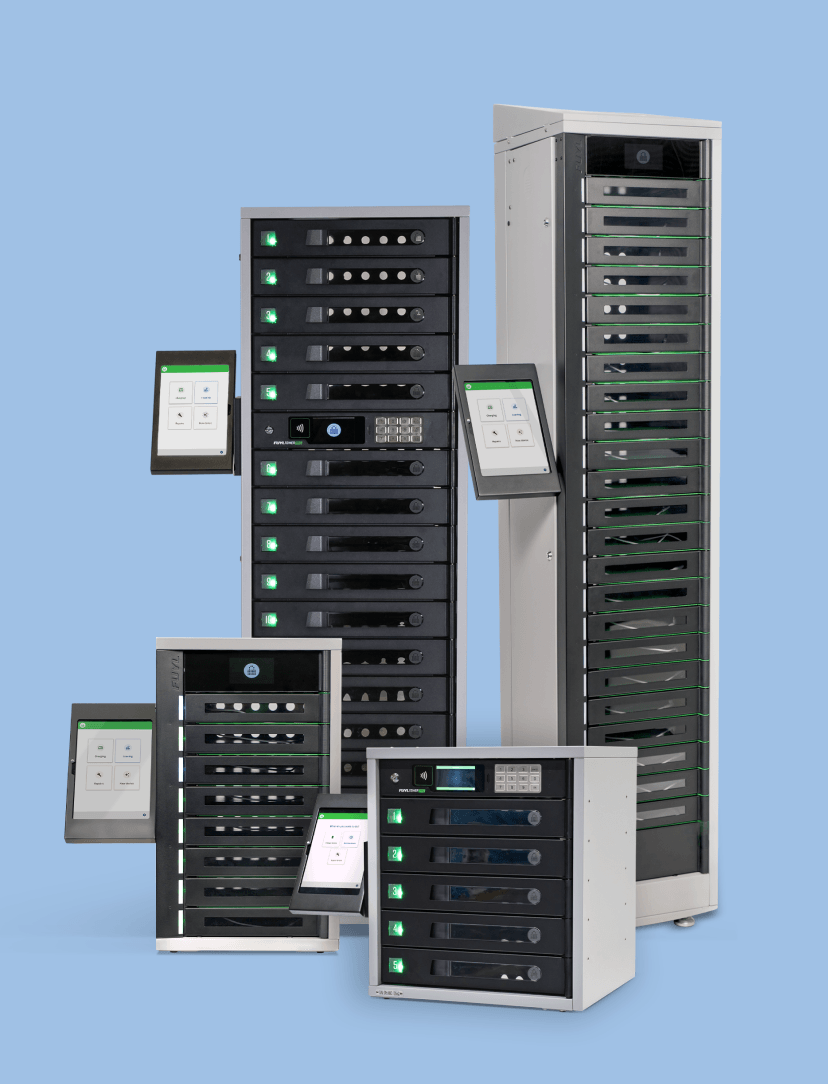
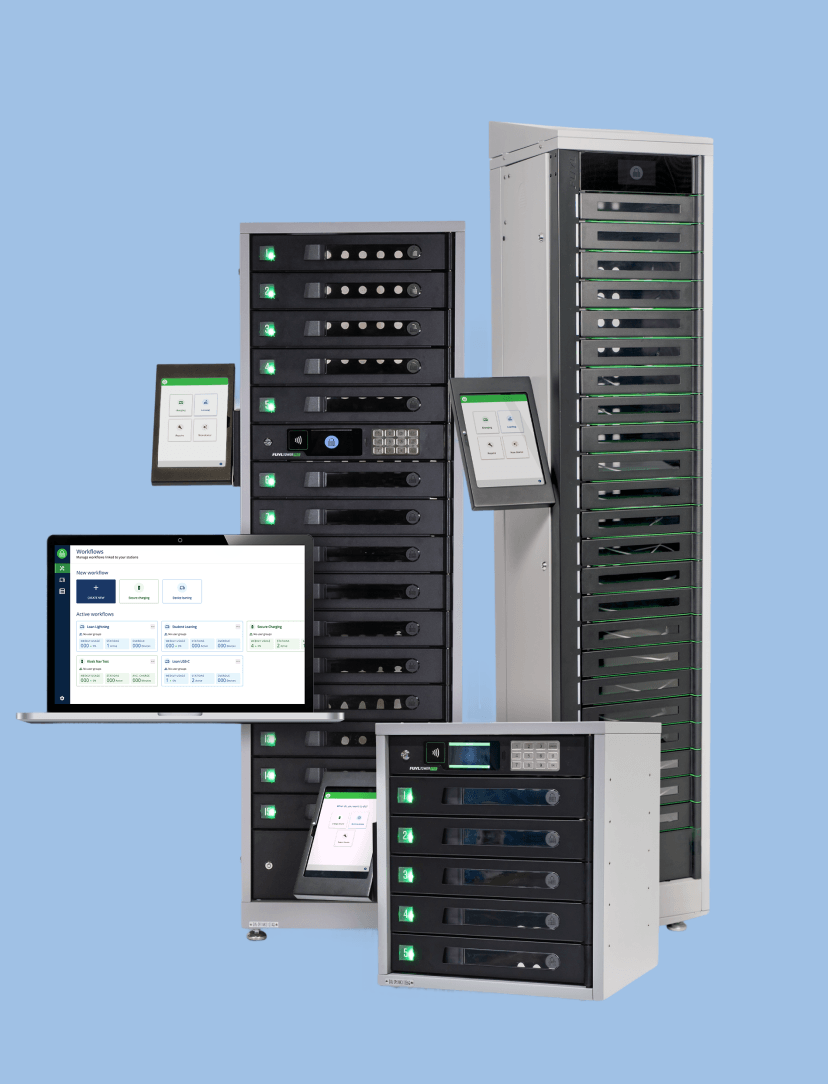
Your choice of 5-bay or 15-bay smart locker hardware and optional accessories, which can be mixed or matched to your needs.

Comprehensive onboarding to ensure your system is successfully set up and launched.

Ongoing technical and hardware support with a helpful knowledge base.

Customer success touch points to maximise your smart locker system investment long term.

Flexible subscription terms with no long-term hardware lock-in, so your program can scale as your needs change.

Find the right smart locker configuration

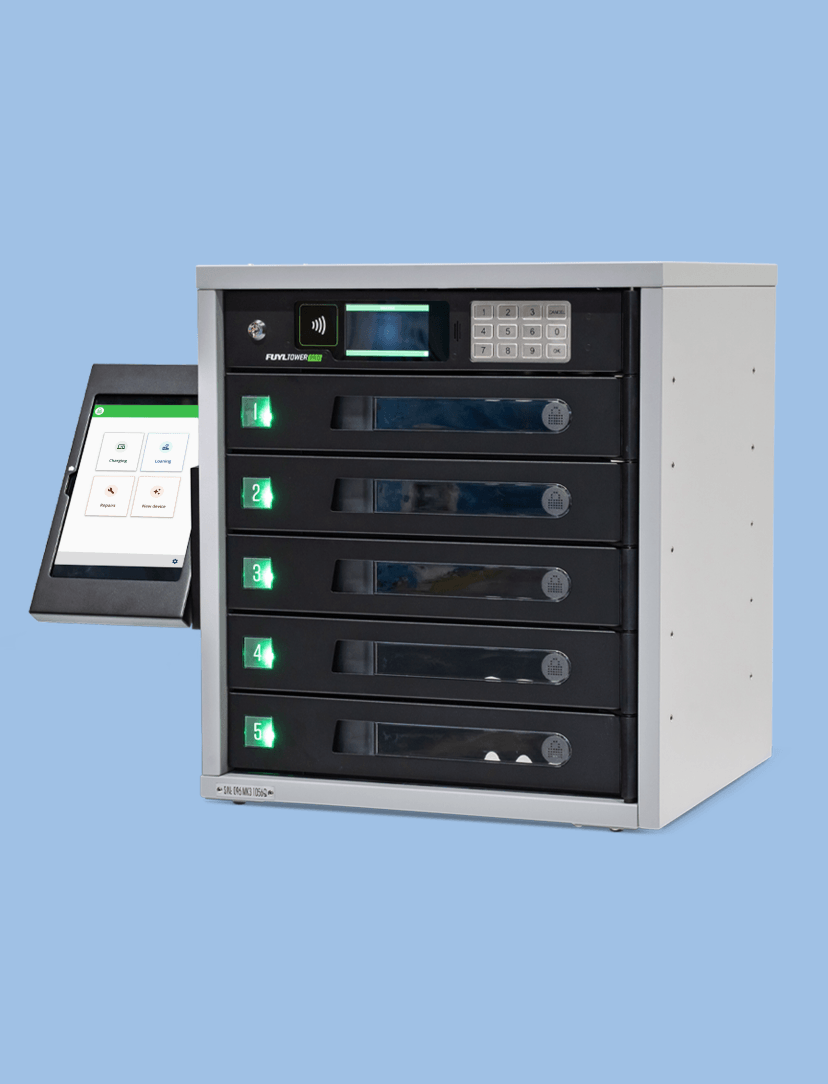
Review ForwardPass smart locker specifications, including size, capacity, charging, and configuration details, to compare models and choose the right fit for your environment.

ForwardPass 5-Bay Smart Locker

ForwardPass 5-Bay Smart Locker
Tower Specs

19" (L) x 21” (W) x 23” (H)  | 77 lbs


Bay Specs

17" (L) x 14” (W) x 3” (H) | 5 Bays per Tower


Bay Power

One (1) power outlet | 100–125Vac, 50/60Hz 4A Max

One (1) 36W USB-C Power Delivery port per bay

Output power range: 5V 3A | 9V 3A | 12V 3A | 15V 2.25A | 20V 1.8A


Bay Access

RFID and PIN


Support Plans

Yes


Warranty

Robust Warranty

ForwardPass 15-Bay Smart Locker

ForwardPass 15-Bay Smart Locker
Tower Specs

19" (L) x 21” (W) x 67” (H) | 194 lbs


Bay Specs

17" (L) x 14” (W) x 3” (H) | 15 Bays per Tower


Bay Power

One (1) power outlet | 100–125Vac, 50/60Hz 4A Max

One (1) 36W USB-C Power Delivery port per bay

Output power range: 5V 3A | 9V 3A | 12V 3A | 15V 2.25A | 20V 1.8A


Bay Access

RFID and PIN


Support Plans

Yes


Warranty

Robust Warranty


Why choose ForwardPass Classic

Most device check-out systems rely on staff to manage every step. ForwardPass Classic removes that dependency — giving users direct access through RFID or PIN, while IT manages everything remotely. No app. No kiosk. No manual handoffs.

Access without friction

Users tap an existing ID card or enter a PIN to unlock their assigned bay. No separate credential, no app download, no waiting for staff. Works from day one if your organisation already issues ID cards.

Remote control, no on-site presence needed

IT manages user access, bay assignments, and remote unlocks from the ForwardPass Cloud portal — across multiple sites, from any browser. Real-time bay status without walking the floor.

Connects to your existing IT stack

Pre-built integrations with Incident IQ and Tech Director Toolbox automate loaner and repair ticketing. Directory sync with Azure AD, Google Workspace, Clever, and Okta keeps user access up to date automatically.

Certified and independently tested

ForwardPass has attained SOC 2 Type 1 compliance. It is independently tested to IEC 62368-1 and carries FCC, cETLus, CE, UKCA, and RCM compliance markings.

Built for every environment you support.

K-12
Higher Education
Manufacturing
Workplaces

Your Smart Locker Buying Guide

Not all lockers are created equal. Download our free guide to learn what to look for when evaluating smart locker solutions.

Get the Guide

Stay up-to-date with our latest news