
One smart locker platform.
Multiple sizes. Endless workflows.

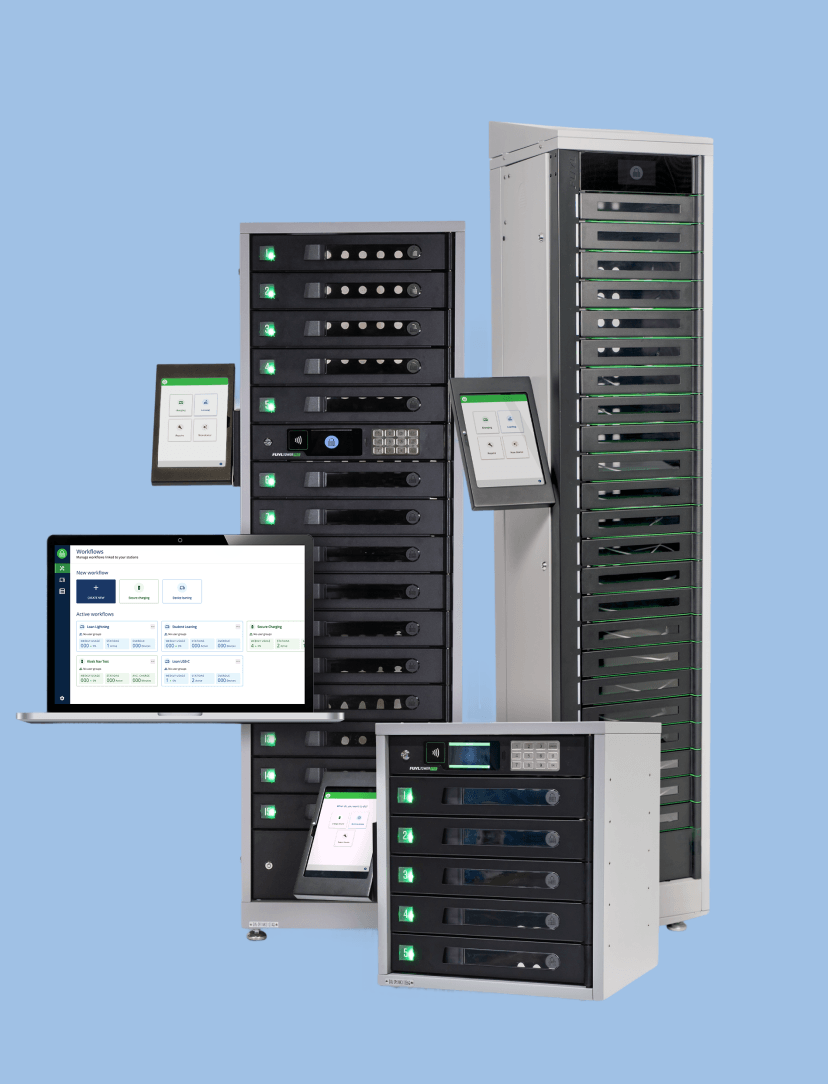
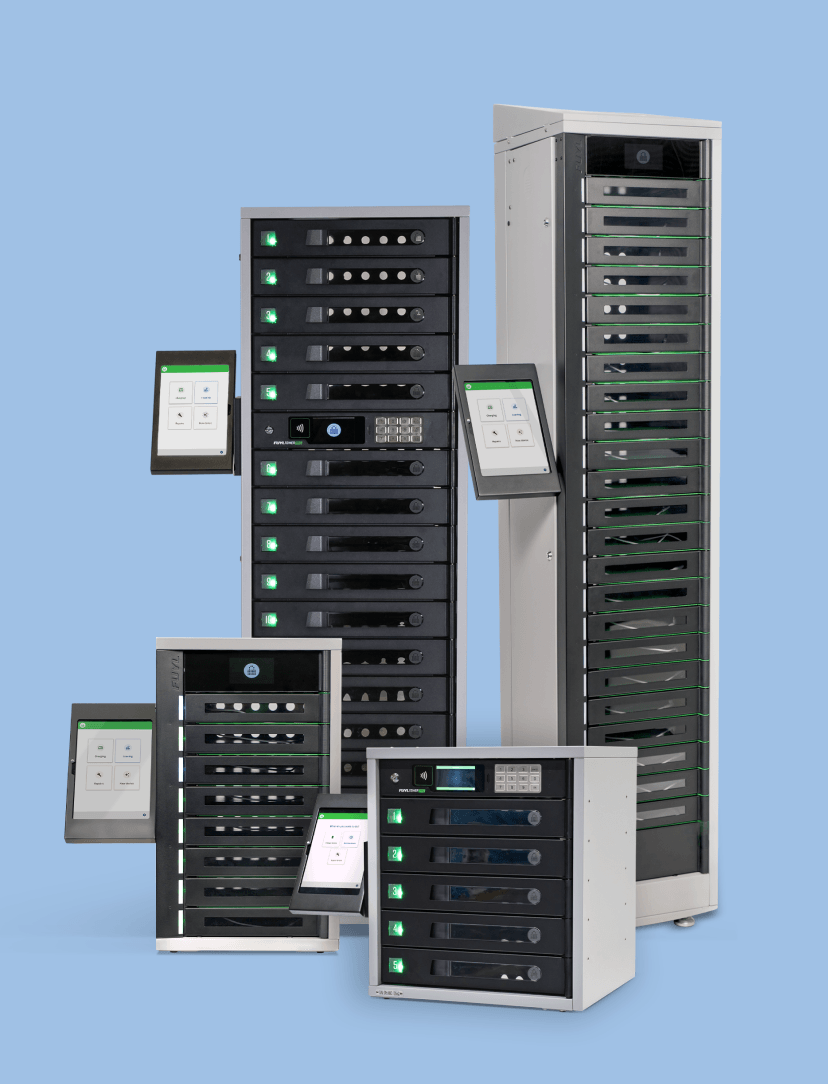
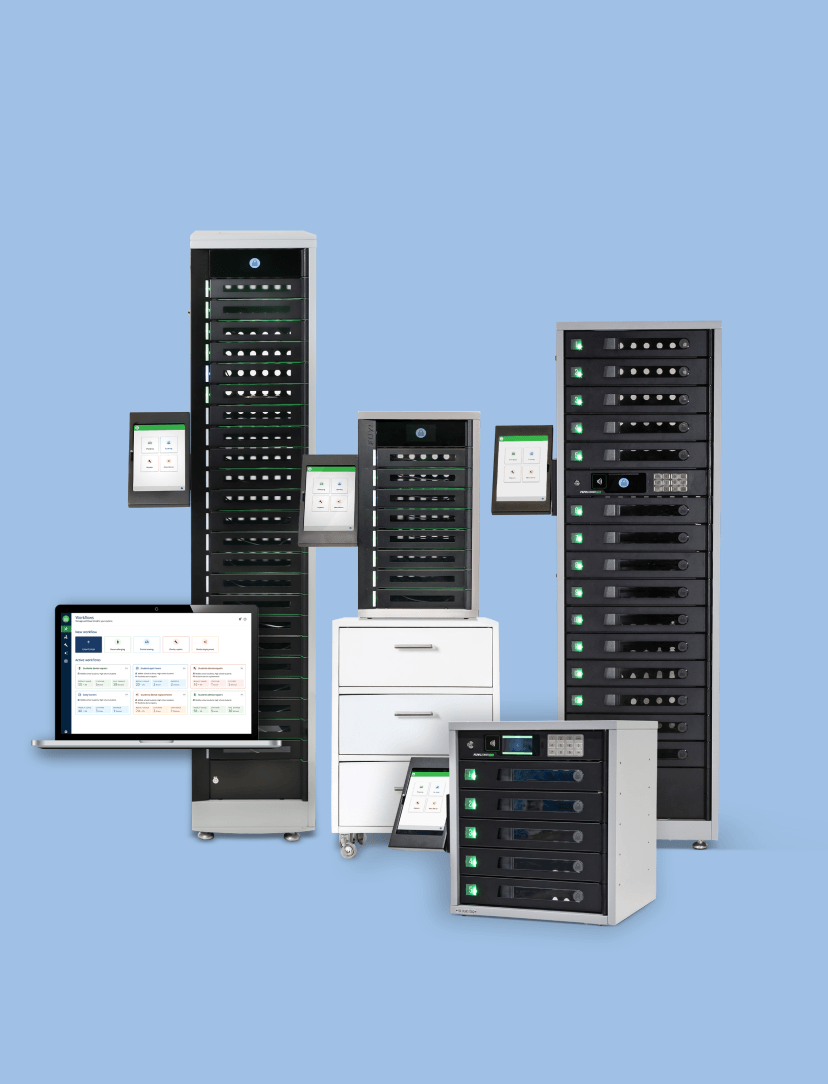
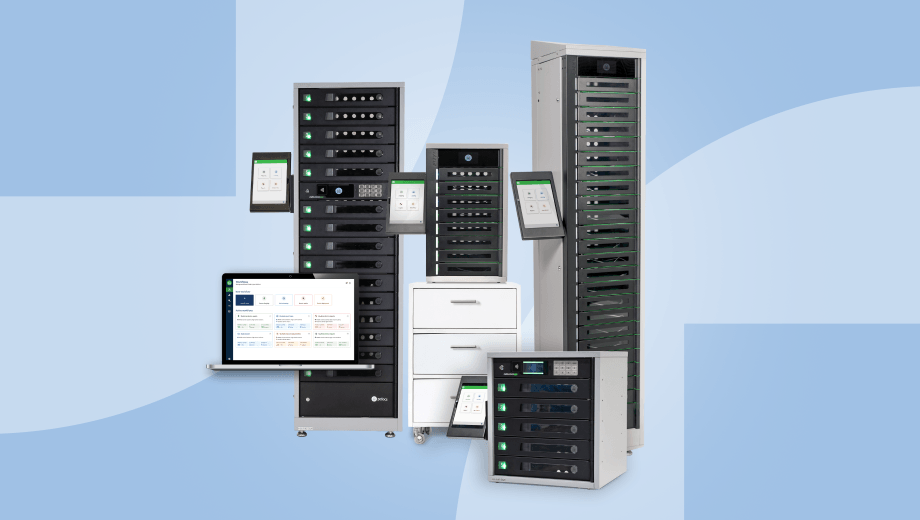
Enhanced runs across all ForwardPass smart locker models.

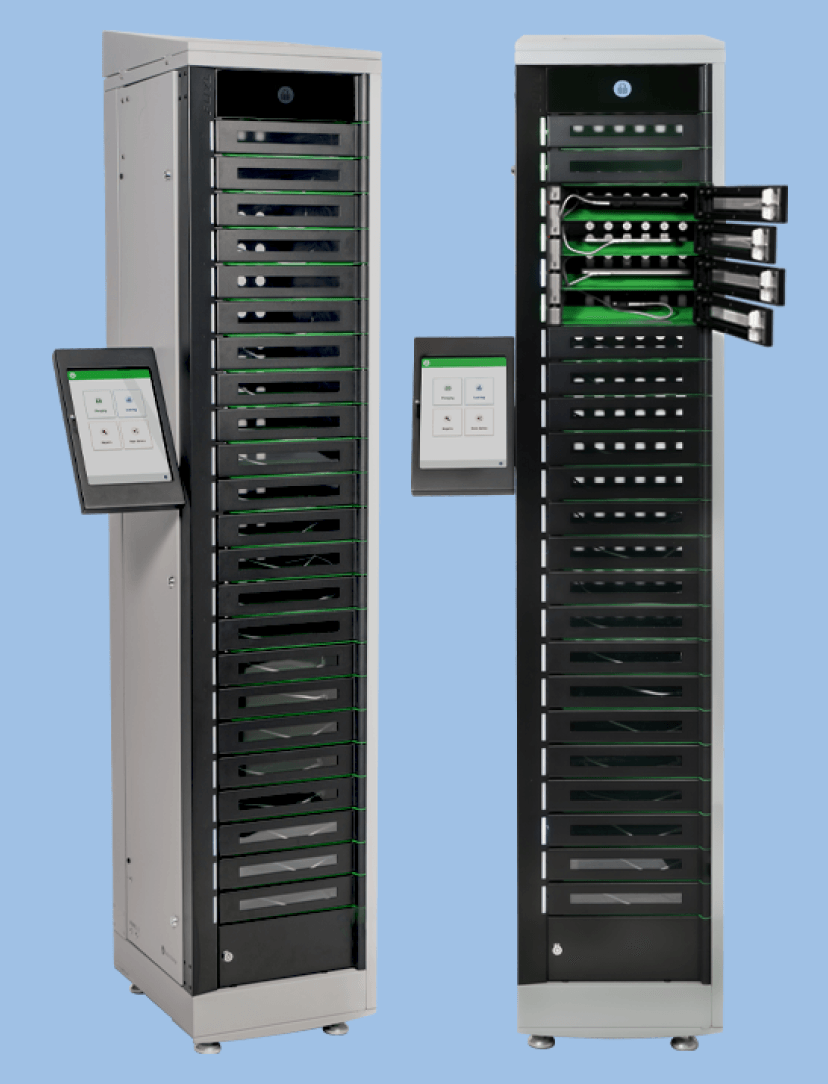
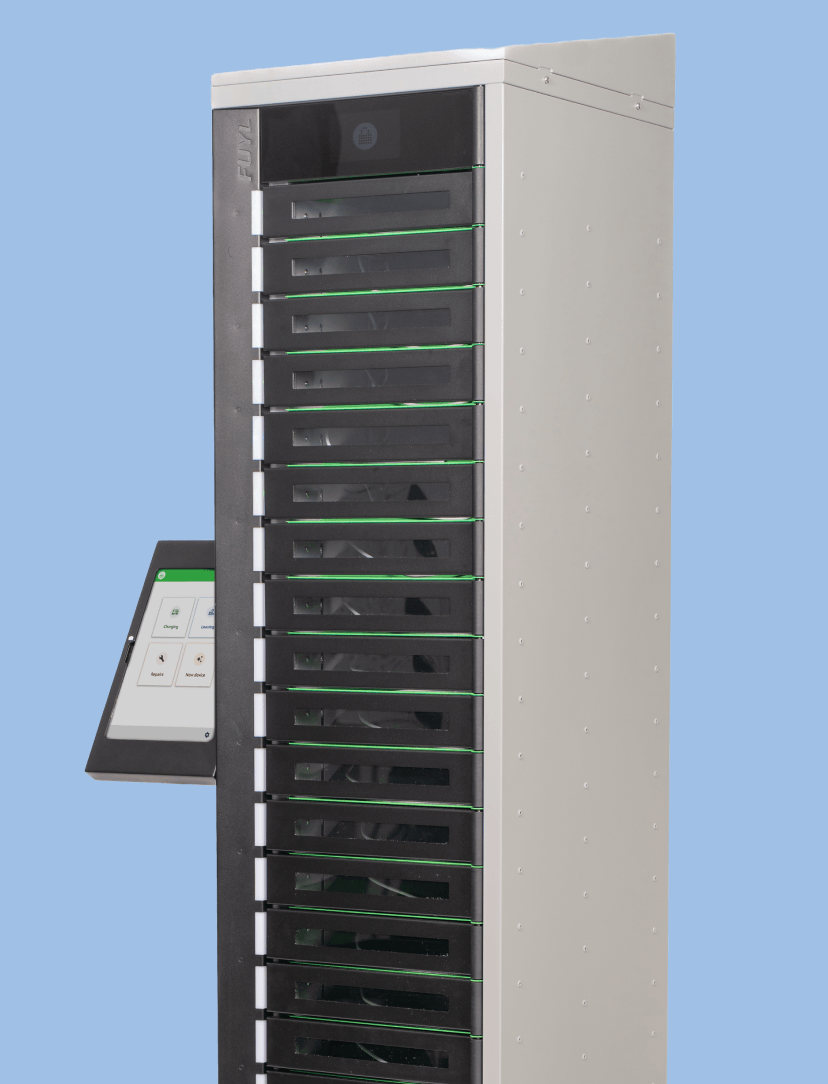
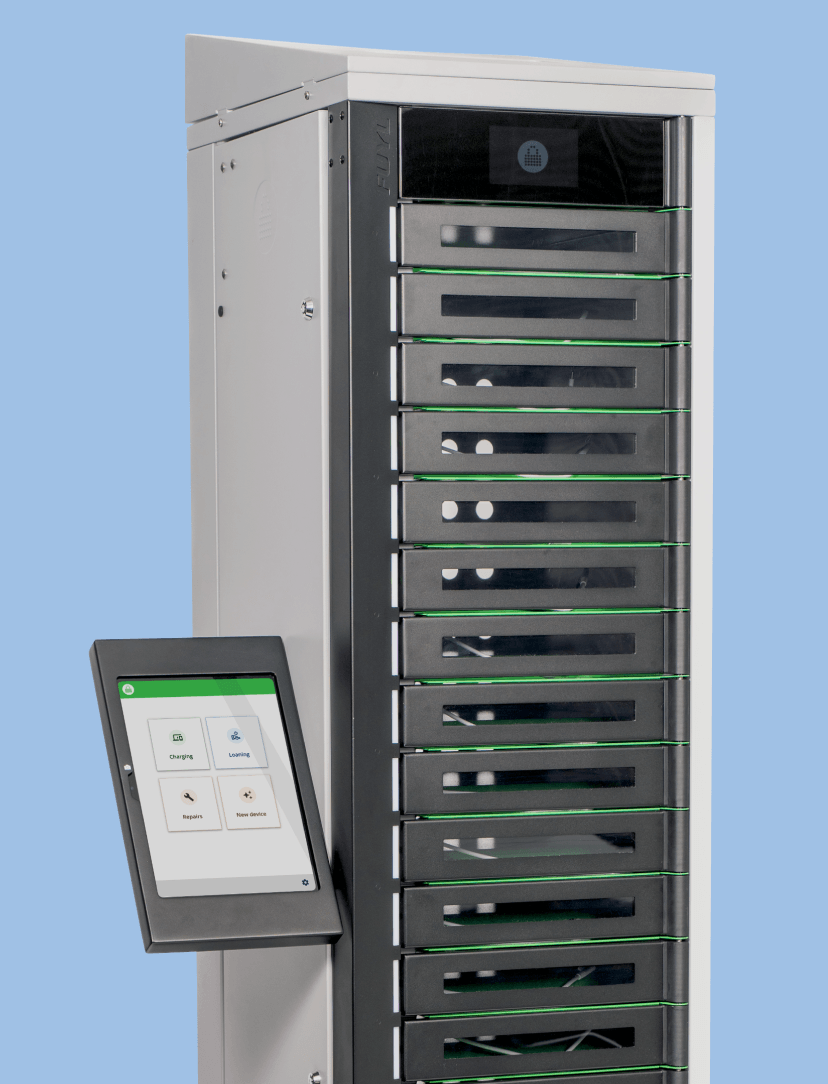
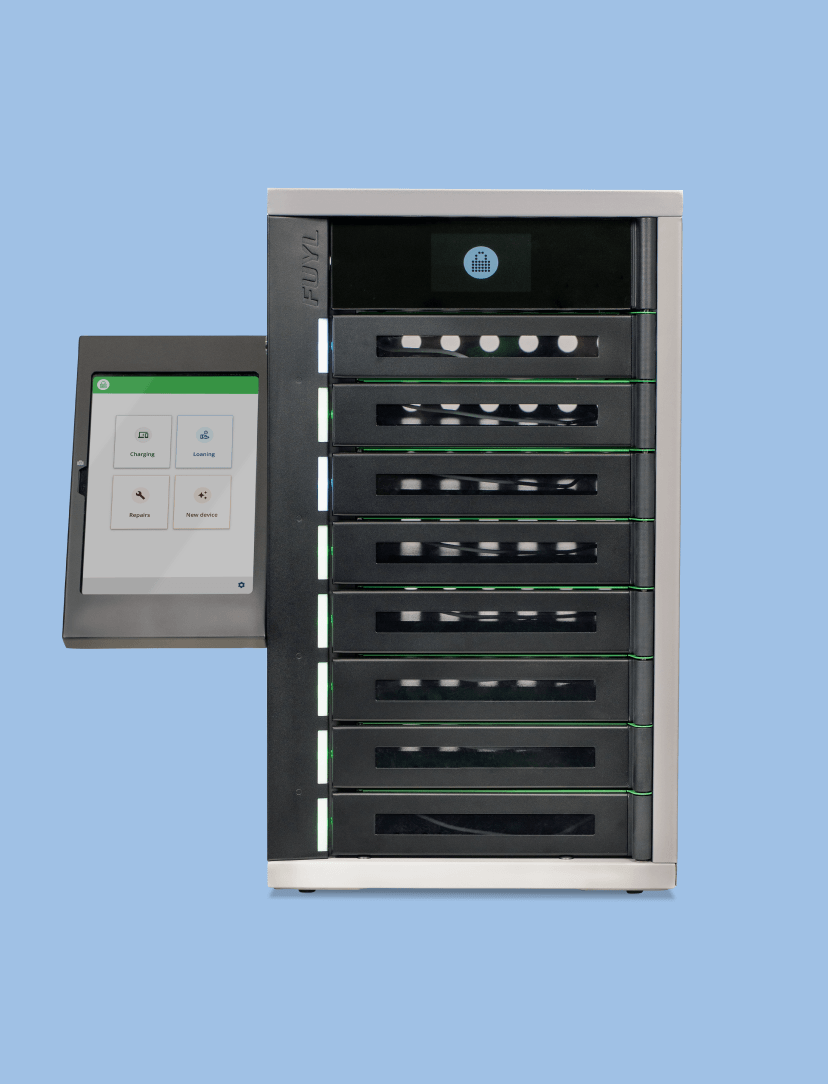
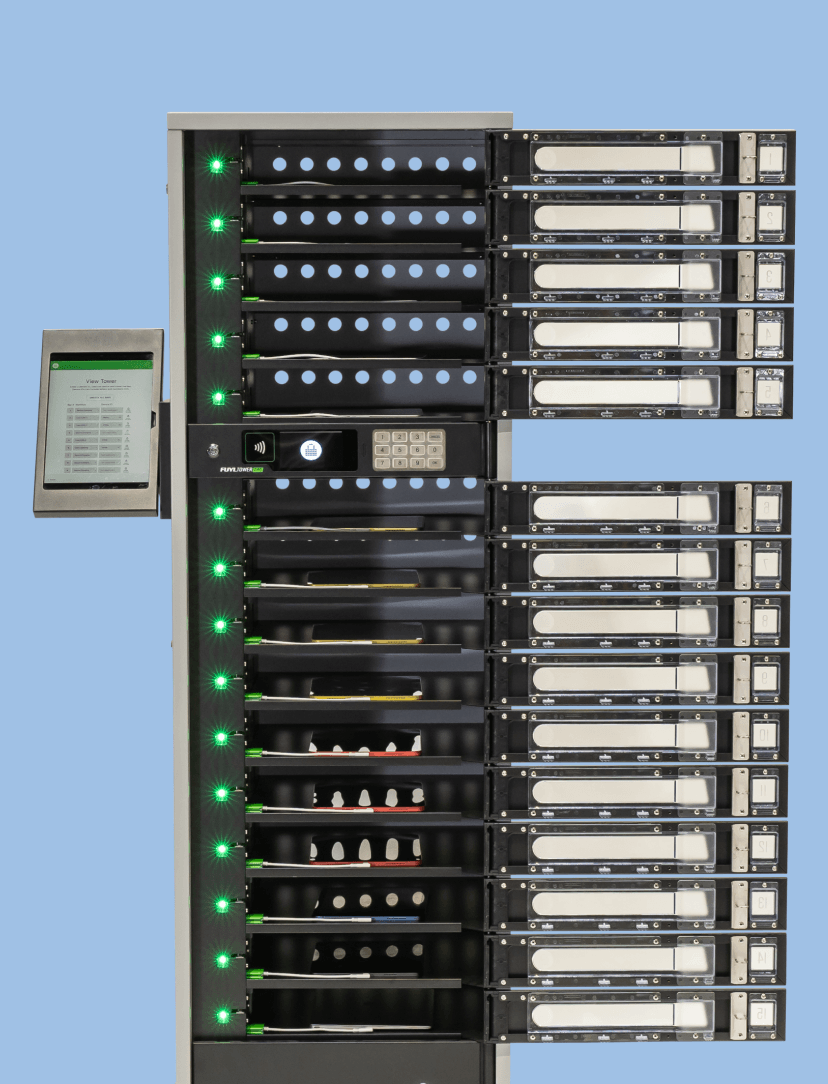
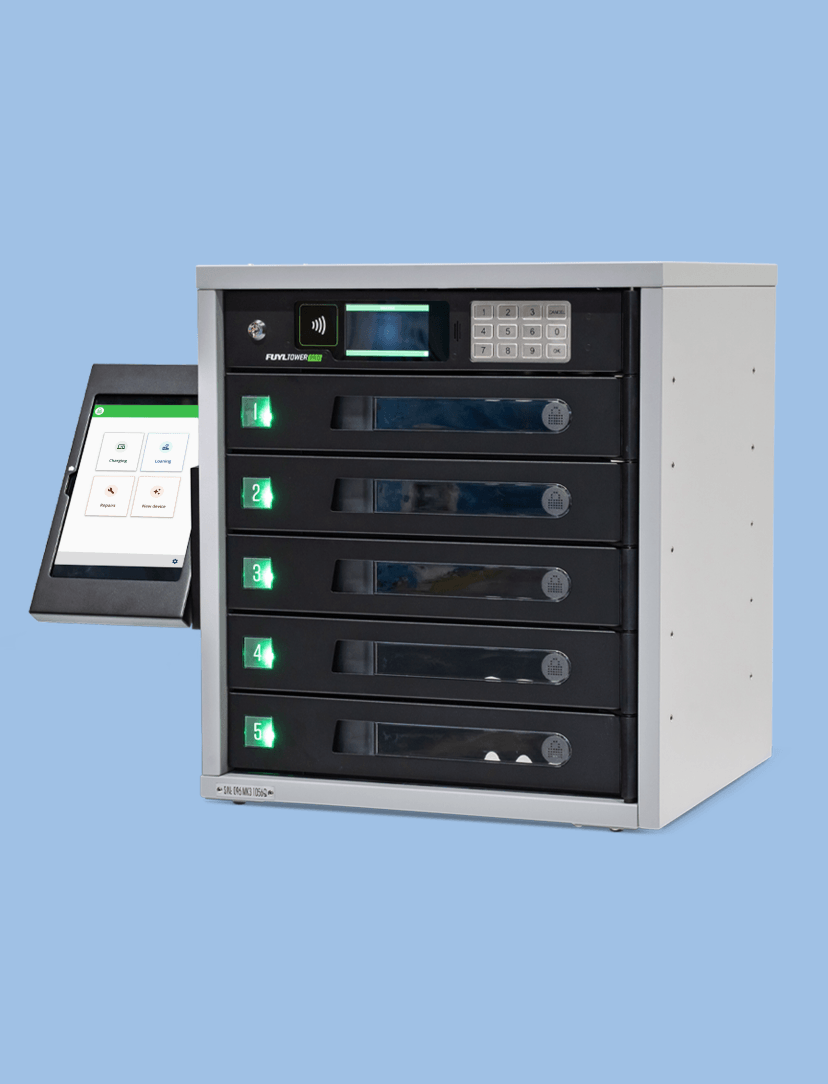
Choose the locker size that fits your workflow: 5, 8, 15, or 23 bays. No matter the model, you can automate Deployments, Loaners, Repairs, Charging, and Replacements — all through one system.

Set it up once. Run it daily.

Learn More
Self-serve loaners that don’t rely on IT

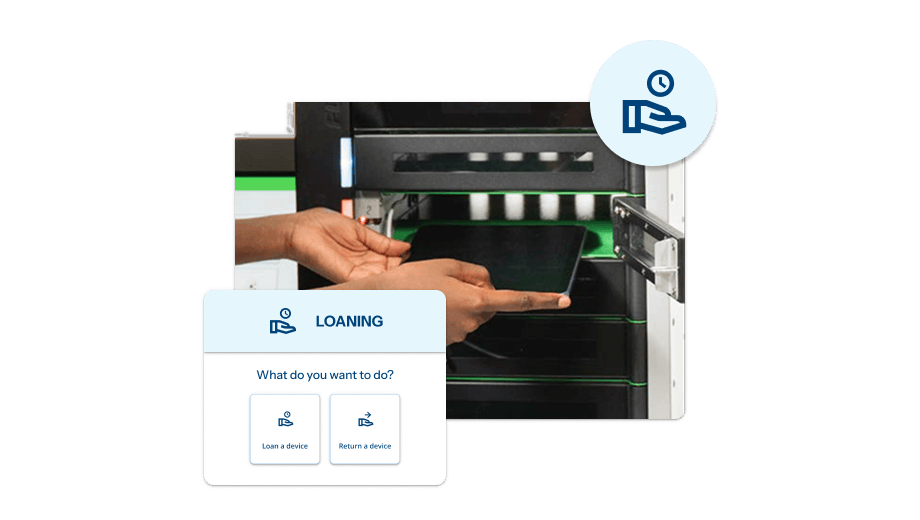
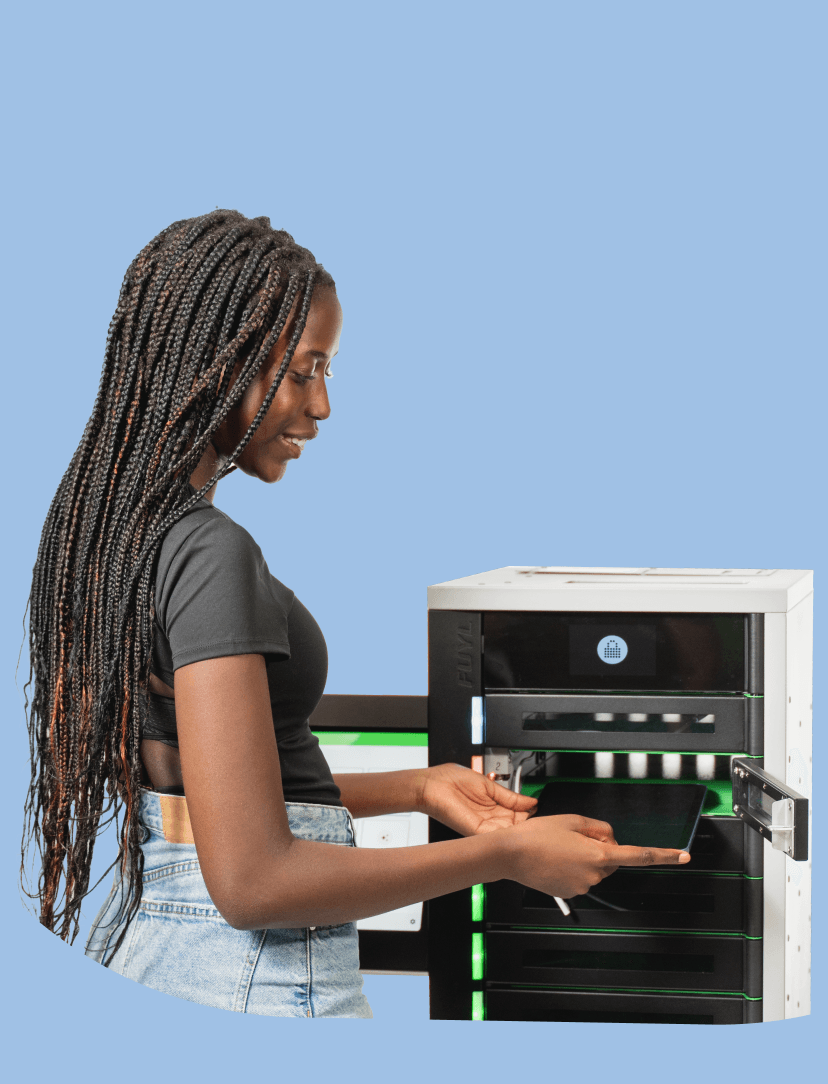
Empower students and employees to check out a loaner in less than one minute. The intuitive kiosk system makes borrowing devices from a Smart Locker easy for both kids and adults, with the option to require acceptance of loaning terms and conditions during checkout.

Create loaner workflows, manage users, track assets, and automate assignments — all in one simple dashboard within the Portal.

Learn more

Automated repairs that don’t involve the help desk

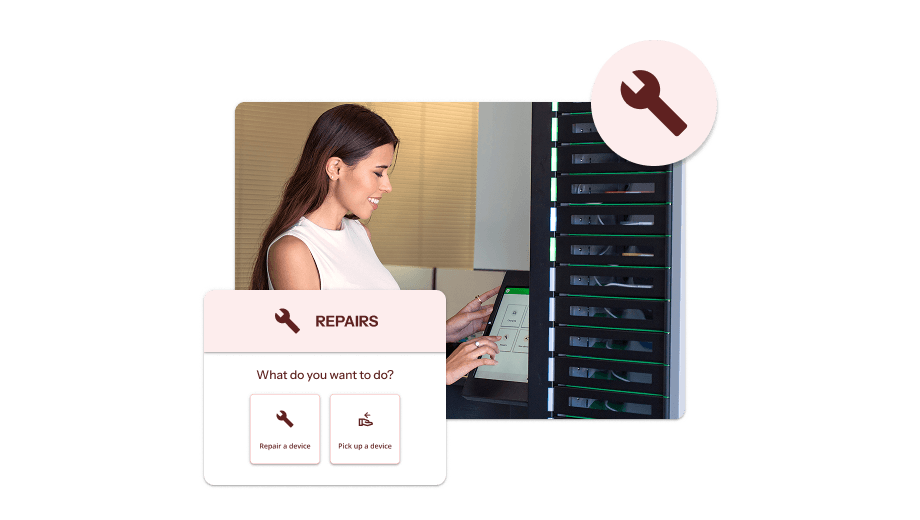
Students and employees can report a broken device directly at the ForwardPass Kiosk, drop it off in a secure bay, and move on — no waiting, no IT bottlenecks.

Tech teams receive real-time alerts, manage follow-ups, and log repair updates in the Portal.

Once fixed, the system notifies the user that their device is ready for pickup. Every step is tracked to improve accountability and reduce device downtime.

Learn More

Touchless deployments made easy

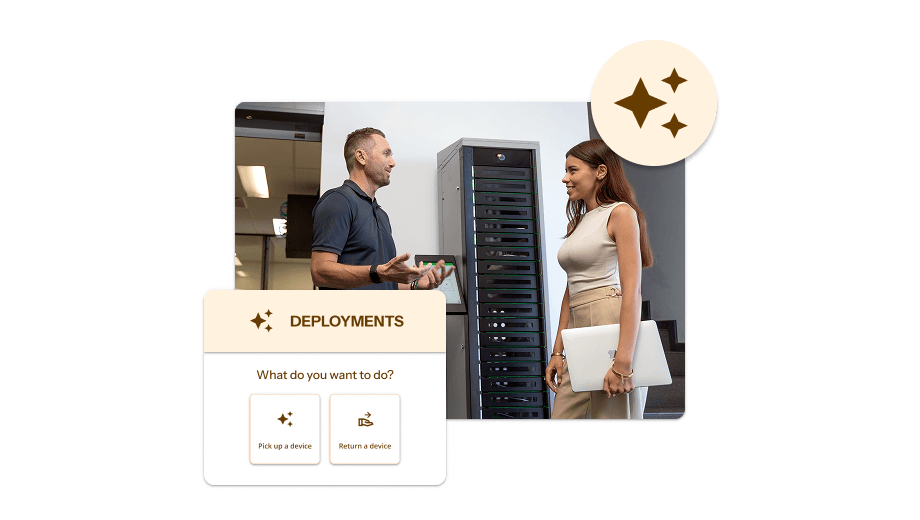
IT teams can preload devices into ForwardPass Smart Lockers and assign pickup in advance — no on-site staff required. When it’s time to distribute, users simply log in or scan their ID at the ForwardPass Kiosk to collect their assigned device.

Admins can track pickup status, send notifications, and monitor inventory levels through the ForwardPass Portal. Every step is logged for full visibility, so large-scale rollouts run smoothly and without disruption.

Learn more

Secure charging. No supervision required.

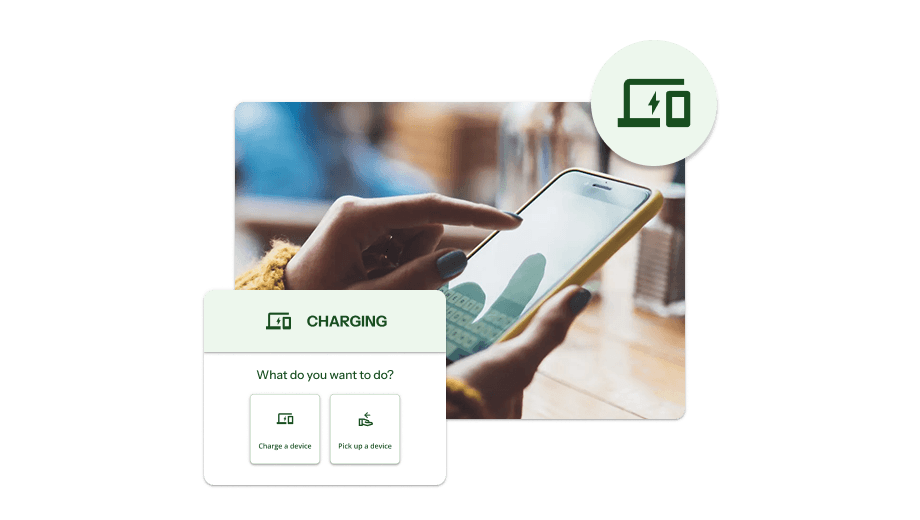
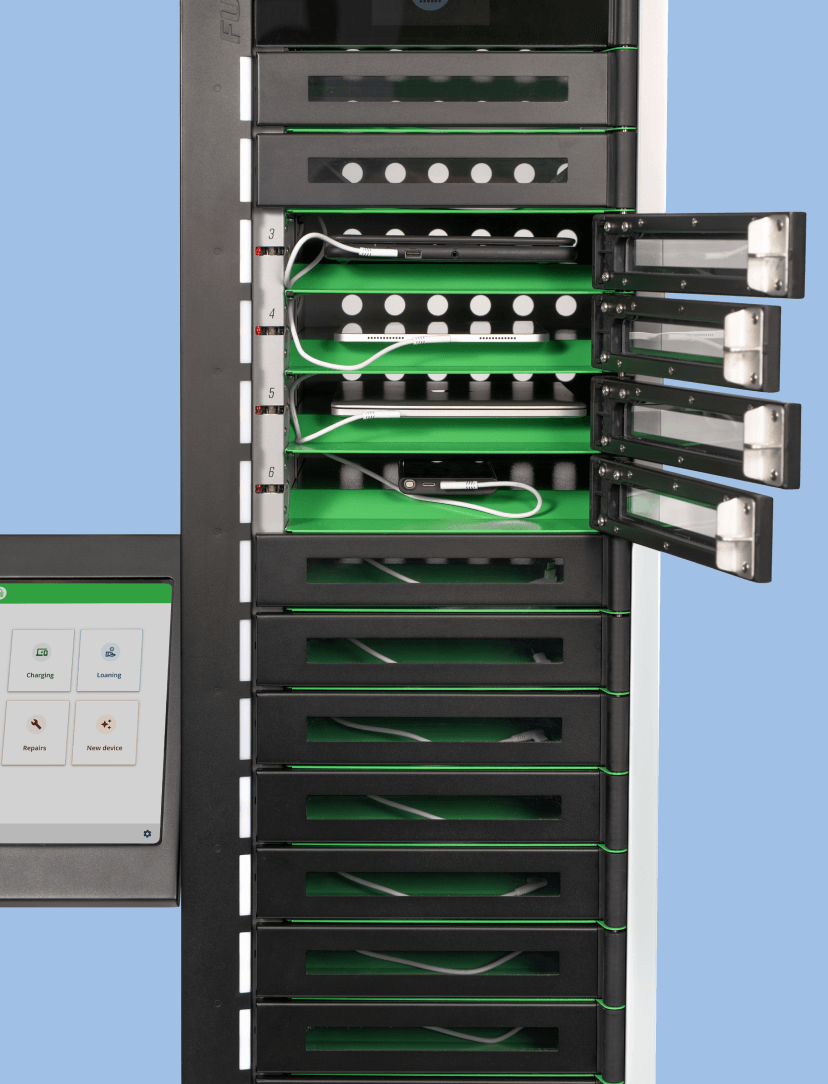
Users can log in at the ForwardPass Kiosk to quickly access a bay for secure device charging — no staff handoff or supervision needed.

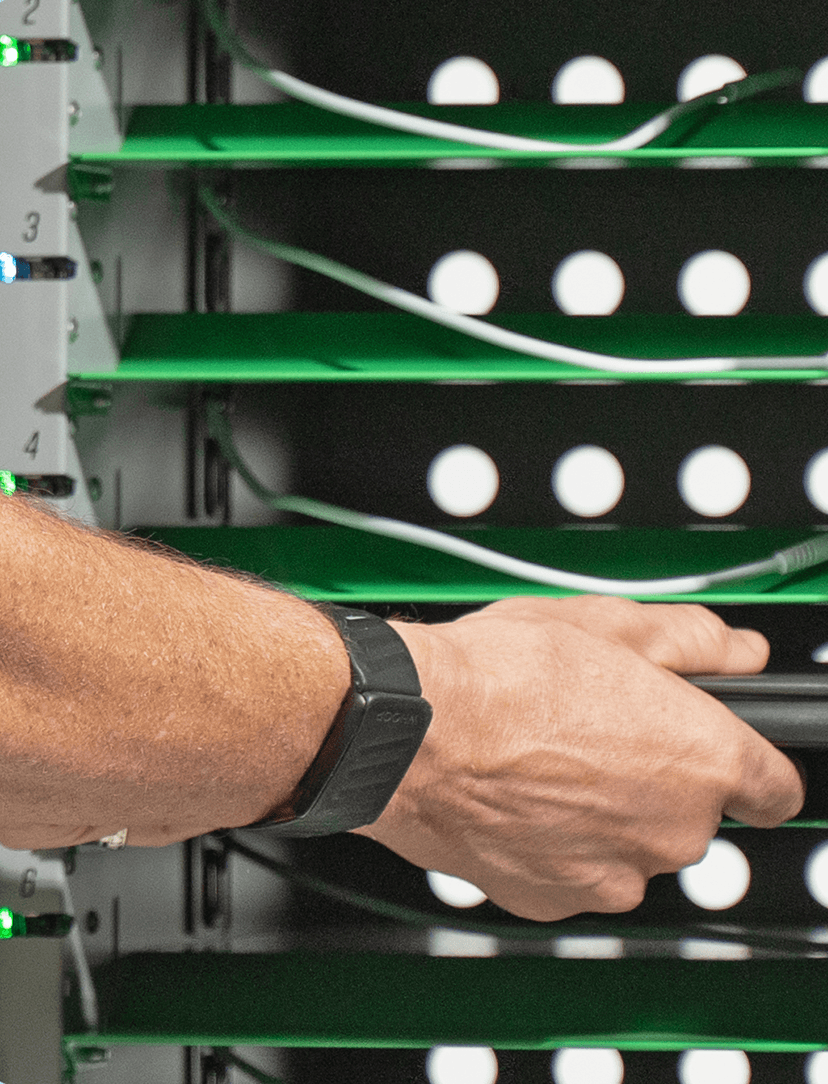
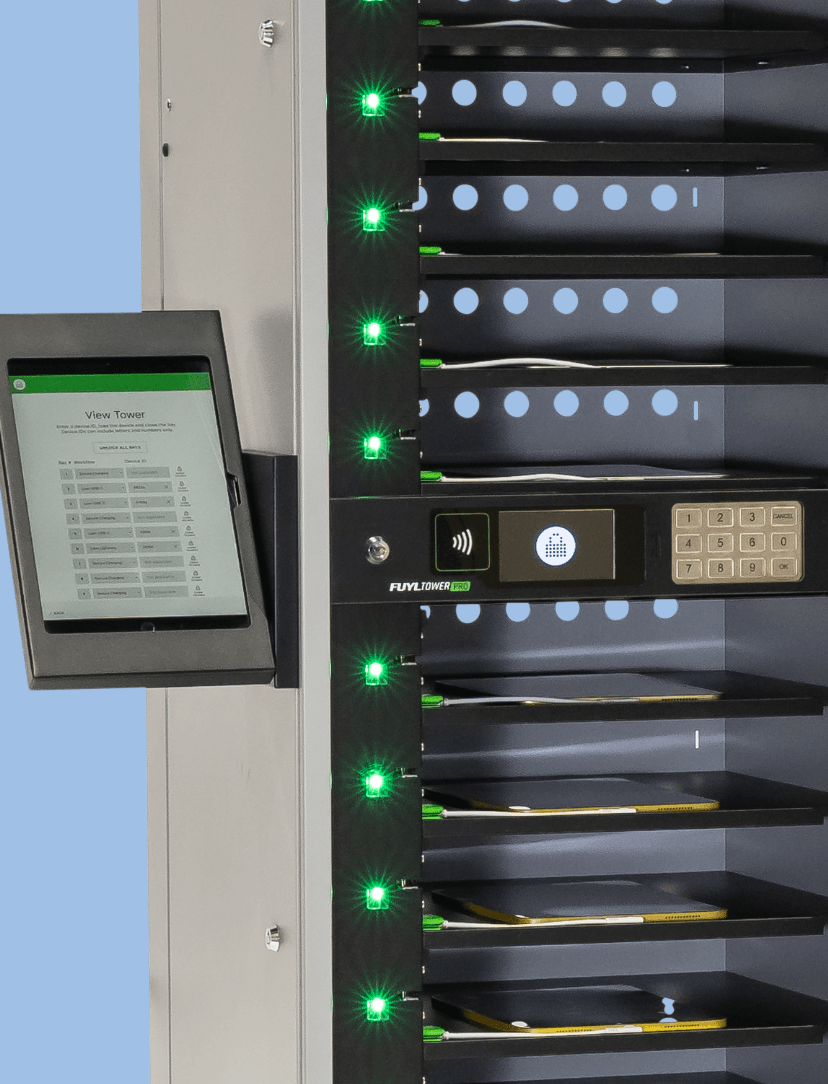
Each bay includes a built-in 36W USB-C cable for fast, reliable power. Devices stay locked, safe, and ready to go, while IT teams can monitor charging activity, manage bay usage, and handle exceptions remotely through the ForwardPass Portal.

Learn More

Fast and flexible authentication options

With the ForwardPass System, there's no need to manage a separate user database. By integrating with your existing identity management system, device users can self-authenticate right at the kiosk using SSO, RFID, barcode or QR code authentication, or other credentials they already know.

Learn more

SOC 2 certified security

When you automate device access, you’re also managing real people, real devices, and real data. That’s why ForwardPass is SOC 2 certified — so schools, workplaces, and IT teams can move faster with ForwardPass while staying confident in how customer information is protected.

SOC 2 is an independent audit that evaluates whether security controls are not only designed well, but operating effectively over time.

Learn More

For a low, monthly fee, a subscription to the ForwardPass Smart Locker System includes:

Web-based Portal for program admins to manage the system remotely, which features easy-to-manage workflows, identity management and SSO, asset management, and more.

An iOS-based Kiosk App for device users to self-authenticate and access devices without assistance. Available on the Apple App Store.

Your choice of 5-bay, 8-bay, 15-bay or 23-bay smart locker hardware and optional accessories, which can be mixed or matched to your needs.

Comprehensive onboarding to ensure your system is successfully setup and launched.

Ongoing technical and hardware support with a helpful knowledge base.

Customer success touch points to maximize your smart locker system investment long term.

Built for every environment you support.

K-12
Higher Education
Manufacturing
Workplaces

Find the right smart locker configuration

Review ForwardPass smart locker specifications, including size, capacity, charging, and configuration details, to compare models and choose the right fit for your environment.

ForwardPass 5-Bay Smart Locker

ForwardPass 5-Bay Smart Locker
Tower Specs

19" (L) x 21” (W) x 23” (H)  | 77 lbs


Bay Specs

17" (L) x 14” (W) x 3” (H) | 5 Bays per Tower


Bay Power

One (1) power outlet | 100–125Vac, 50/60Hz 4A Max

One (1) 36W USB-C Power Delivery port per bay

Output power range: 5V 3A | 9V 3A | 12V 3A | 15V 2.25A | 20V 1.8A


Bay Access

RFID and PIN


Support Plans

Yes


Warranty

Robust Warranty

ForwardPass 8-Bay Smart Locker

ForwardPass 8-Bay Smart Locker
Tower Specs

26” (H) x 15.1” (W) x 17" (D)  | 77 lbs


Bay Specs

1.69" (H) x 10.17” (W) x 15.23” (H) | 8 Bays per Smart Locker


Bay Power

One (1) 36W USB-C Power Delivery port per bay

Pre-wired with 500 mm tamper-resistant USB-C cable

Output power range: 5V 3A | 9V 3A | 12V 3A | 15V 2.25A | 20V 1.8A


Bay Access

Via the Kiosk App


Support Plans

Yes


Warranty

Robust Warranty

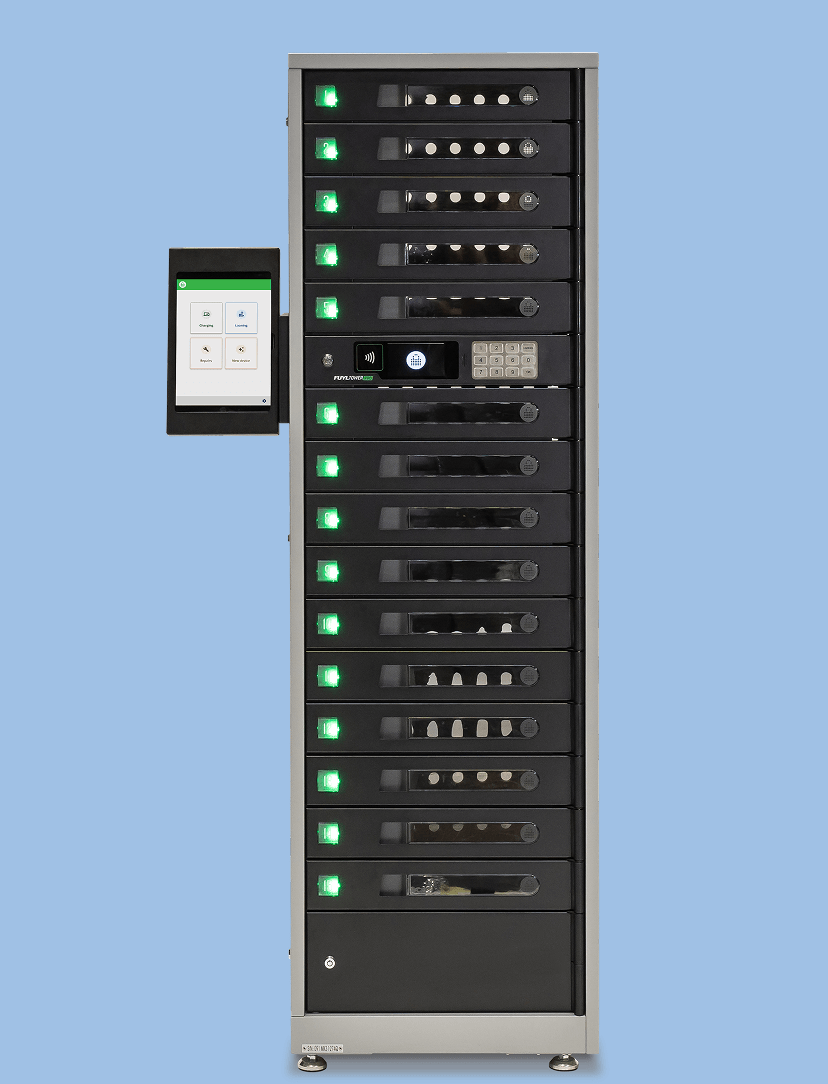
ForwardPass 15-Bay Smart Locker

ForwardPass 15-Bay Smart Locker
Tower Specs

19" (L) x 21” (W) x 67” (H) | 194 lbs


Bay Specs

17" (L) x 14” (W) x 3” (H) | 15 Bays per Tower


Bay Power

One (1) power outlet | 100–125Vac, 50/60Hz 4A Max

One (1) 36W USB-C Power Delivery port per bay

Output power range: 5V 3A | 9V 3A | 12V 3A | 15V 2.25A | 20V 1.8A


Bay Access

RFID and PIN


Support Plans

Yes


Warranty

Robust Warranty

ForwardPass 23-Bay Smart Locker

ForwardPass 23-Bay Smart Locker
Tower Specs

75.6” (H) x 15.1” (W) x 17" (D)  | 194 lbs


Bay Specs

1.69" (H) x 10.17” (W) x 15.23” (D) | 23 Bays per Smart Locker


Bay Power

One (1) 36W USB-C Power Delivery port per bay

Pre-wired with 500 mm tamper-resistant USB-C cable

Output power range: 5V 3A | 9V 3A | 12V 3A | 15V 2.25A | 20V 1.8A


Bay Access

Via the Kiosk App


Support Plans

Yes


Warranty

Robust Warranty

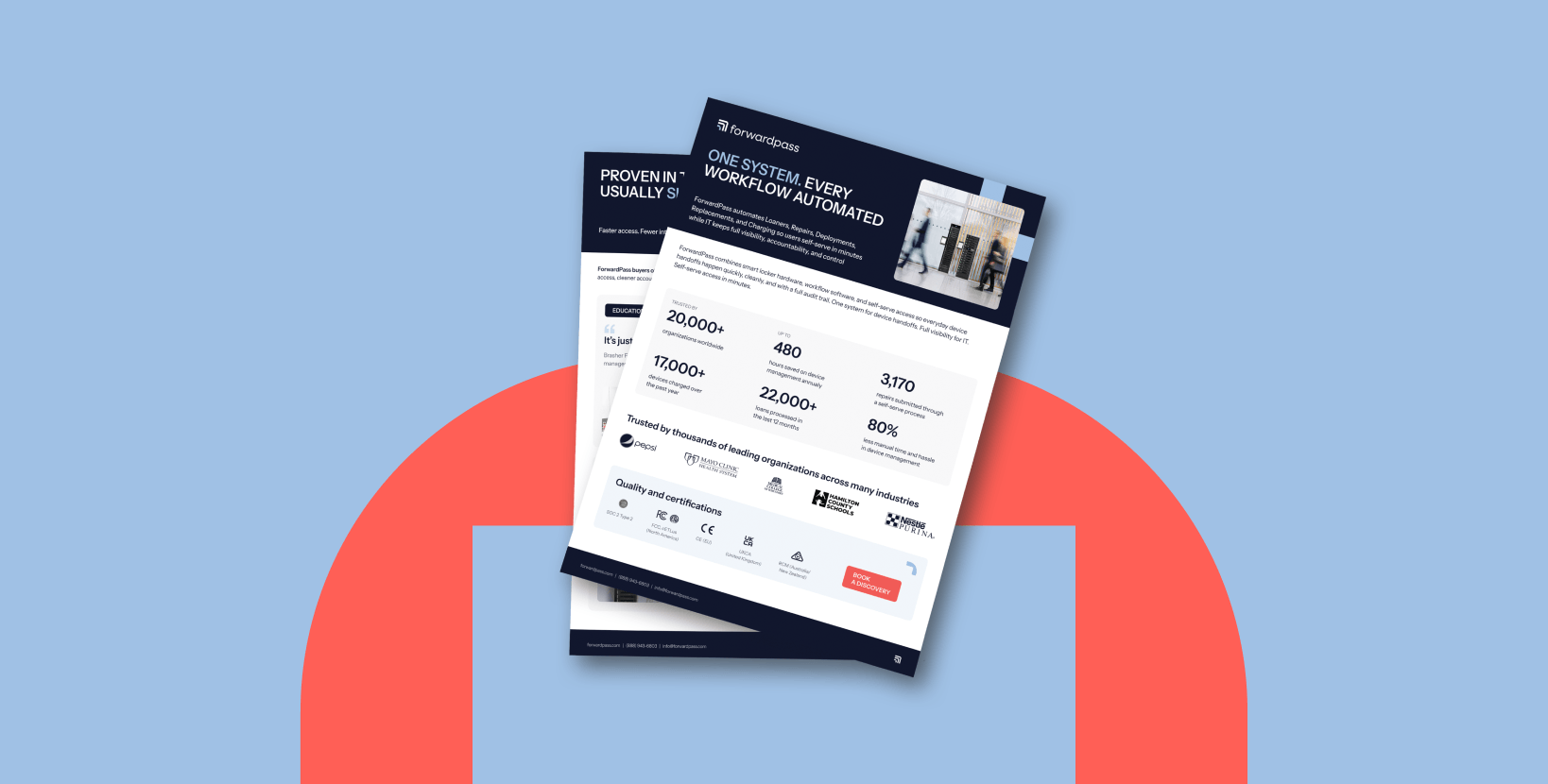
Need the full technical picture?

Download the full product guide for a closer look at ForwardPass smart locker models, configurations, dimensions, capacity, charging options, connectivity, and installation considerations. Use it to compare models, align stakeholders, and plan your locker setup with confidence.

Get the Tech Specs Guide


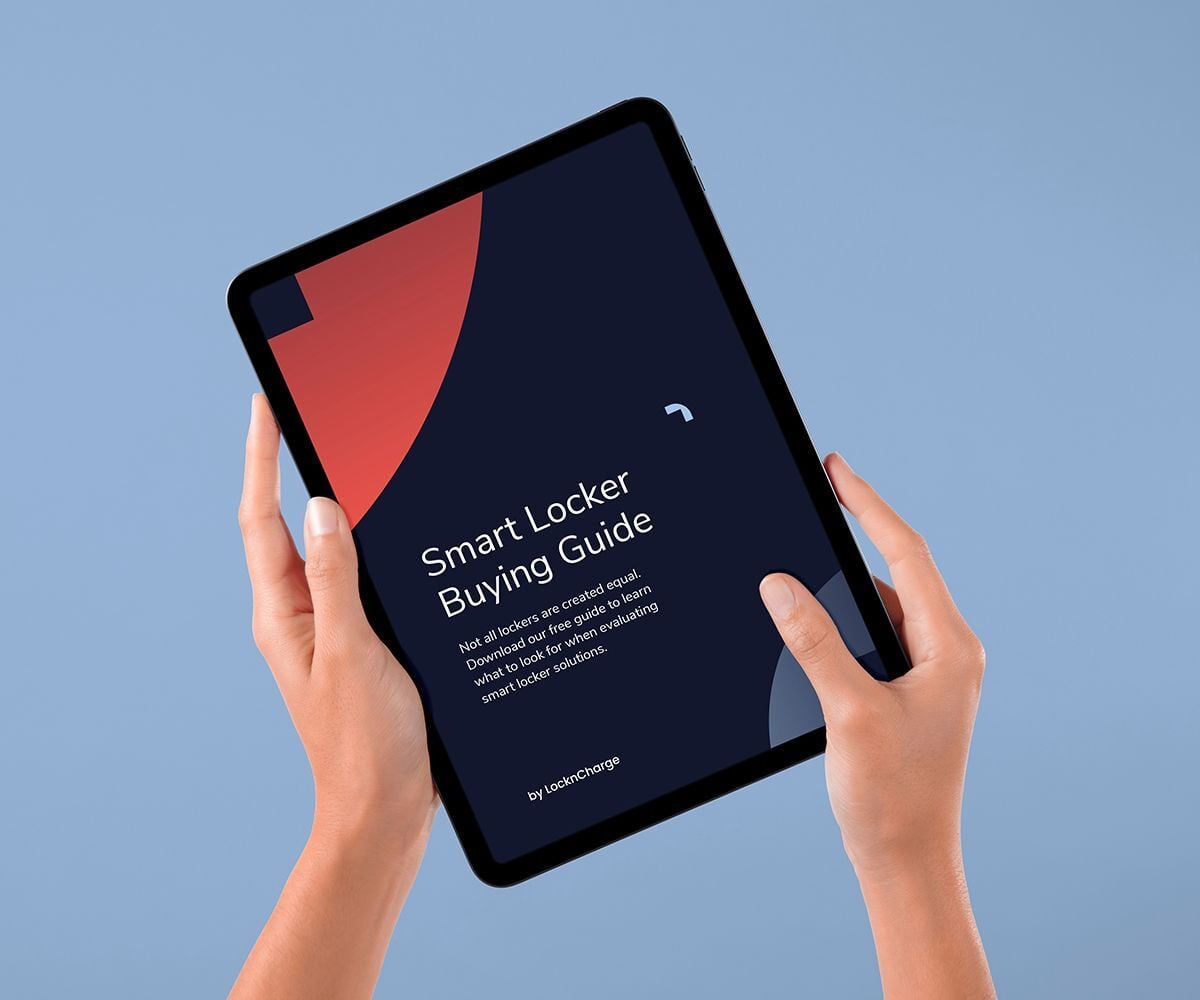
Your Smart Locker Buying Guide

Not all lockers are created equal. Download our free guide to learn what to look for when evaluating smart locker solutions.

Get the Guide

Stay up-to-date with our latest news