What changed at Poly Prep
Poly Prep introduced ForwardPass Smart Lockers closer to classrooms, then developed a student-ID scanning workflow for device collection and return. The new process reduced routine handoffs at the IT office while keeping Deans involved.
- Students can scan their ID QR code to collect or return a device.
- Tech staff no longer need to manually issue every morning loaner.
- Device histories and configured return notifications give staff better visibility into borrowed Chromebooks.
- Students have a cleaner, more secure place to charge their devices.
Background: Supporting 1,160 students across two campuses
Brooklyn, New York, United States · K–12 education · 1,160 students · Two campuses
Poly Prep operates a 1:1 take-home Chromebook program for middle schoolers and a bring-your-own-device (BYOD) model for upper school students.
Charles Polizano, Head of Technology, leads the team supporting those device needs. Students forgetting Chromebooks, manual loaner workflows, and unsecured charging stations created recurring work for the technology team.
The challenge: Managing loaners and returns by hand
Poly Prep’s tech team, led by Charles Polizano, was experiencing recurring inefficiencies. Each morning, a handful of students would arrive without their devices, requiring them to go through a cumbersome process, involving their Deans and a member of the tech team, to receive a loaner device.
Tracking borrowed devices and ensuring their return proved difficult, often resulting in missing Chromebooks and increased administrative work. Additionally, their unsecured charging stations in the student center had turned into an unsightly collection of chargers, cables, and clutter.
“This was one of the few times where I said, ‘I’d love to see this, this, and this happen,’ and ForwardPass actually delivered on all of it. It has checked so many boxes for us.”
Charles Polizano · Head of Technology, Poly Prep
The solution: Bringing device access closer to classrooms
Charles knew there had to be a better way. After researching secure device management solutions, Poly Prep adopted the ForwardPass Smart Locker System and connected it with the school’s existing ticketing platform as part of the implementation.
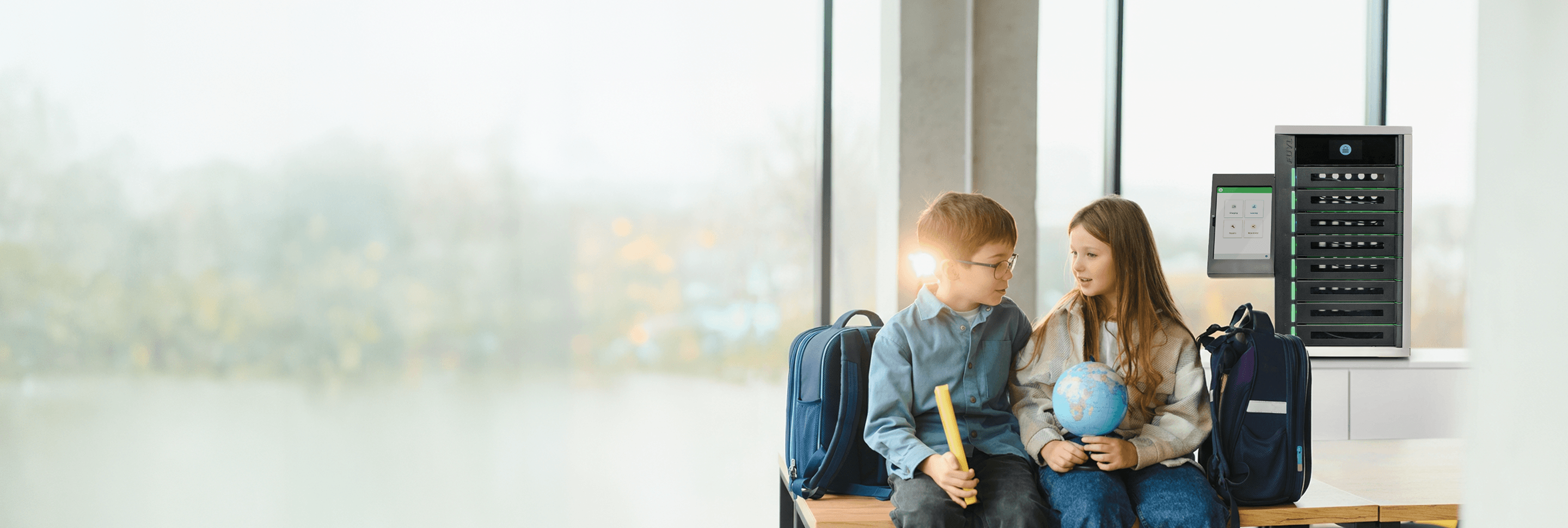
With the ForwardPass Tower positioned closer to classrooms, students could retrieve a device without trekking down to the IT desk in the basement. The initial ForwardPass Classic workflow streamlined lending but still required manual intervention from the tech team.
Poly Prep later introduced barcode scanning and loaner tracking through the ForwardPass Smart Locker System.
Students scan their student ID QR code, and an available bay opens for them to retrieve or return a device. The Deans remain involved in the process but no longer need to manually notify the tech team, reducing lost class time and their workload.
The results: Less routine IT work and clearer device tracking
The new workflow changed how Poly Prep handles daily device needs:
- Time savings for the tech team: The morning rush no longer requires tech staff to manually issue devices.
- Improved accountability: With return notifications configured, the tech team and Deans can be alerted when a device is not returned, reducing manual follow-up on missing Chromebooks.
- Better decision making: User histories and device records help the tech team manage hardware assets and inform school-wide policy changes.
- A cleaner, more secure charging station: The student center no longer has an unorganized tangle of chargers, and students can leave their devices to charge securely.
Looking ahead: Exploring wider access and connected workflows
With the success of the middle school loaner program, Poly Prep is evaluating how to further enhance its device management system.
Potential plans include adding another ForwardPass Smart Locker to the student center for upper school students. The school is also exploring connections with other school systems and ways to use locker data for long-term technology planning and asset management.
With fewer routine device handoffs to manage, the technology team has more capacity to focus on the school’s next priorities.