The Smart Locker for Workplace Device Handoffs

Device support should not depend on IT being in the same office, on the same schedule, or available at the exact moment an employee needs help.

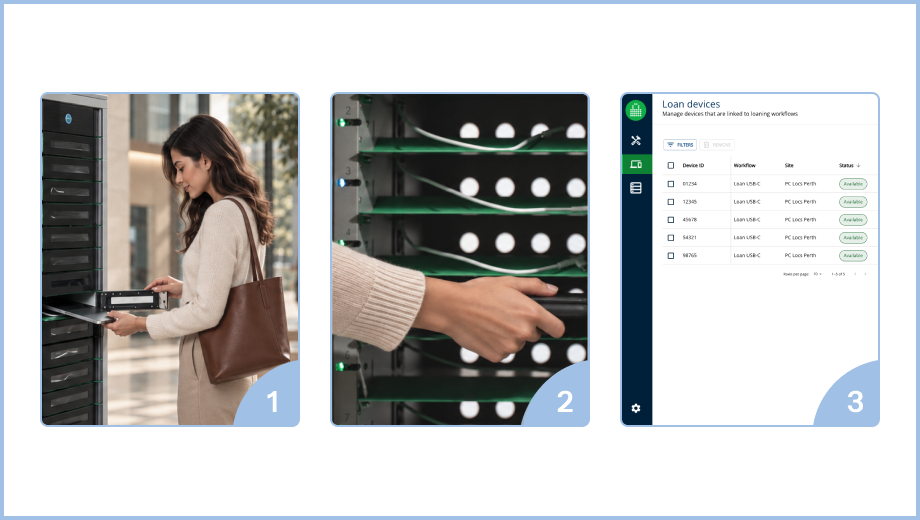
ForwardPass gives workplace IT teams a smart locker system for new-hire device pickup, offboarding returns, break/fix replacements, loaners, and remote-site support. Employees get a clear path to the right device, while IT keeps the full record of who picked up what, when, where, and why.

Find Out More

Workplace device support is harder to scale
than it should be.

Employees expect fast support whether they are starting a new role, replacing a broken laptop, returning equipment, or working from a site without dedicated IT staff.

The hidden friction behind workplace device support

Workplace IT teams are not just handing out equipment. They are managing onboarding, offboarding, break/fix replacements, loaners, remote-site support, and audit requirements across teams and locations. When those handoffs stay manual, employees wait, local staff improvise, and IT loses control of the record.

No one knows who has which device

Laptops, tablets, phones, chargers, and accessories move between employees, desks, storage rooms, remote offices, and home locations. Without a reliable chain of custody, IT cannot easily prove who took what, when it went out, whether it came back, or what condition it was returned in.

Devices go missing or fall out of circulation

Work devices get misplaced, stored in cupboards, held by former employees, or left unused after role changes. That creates asset waste and forces IT to buy or maintain more spare inventory than the organisation may actually need.

Break/fix replacements are too slow

When a laptop is broken, lost, or unusable, the employee needs a fast path back to work. If every replacement depends on IT availability, an appointment, a shipment, or a local handoff, the support experience suffers and productivity stalls.

Local staff become accidental IT

Remote offices often rely on reception, facilities, managers, or front desk teams to store, hand out, and collect devices. That creates inconsistent documentation, adds work for non-IT staff, and makes the process more vulnerable to human error.


Manual loaner programs do not scale

A small pool of loaner devices can work when one person manages it closely. Across more locations, roles, time zones, and after-hours needs, IT has to reserve devices, chase returns, protect VIP inventory, and manually decide who gets access.


The wrong device creates security and support risk

Every office invents its own workaround
Employees need the right device for their role, image, department, location, and access level. A mismatched or unprepared device can create delays, extra IT work, security concerns, and a poor employee experience.

See how ForwardPass could fit your organisation.

Book a Discovery

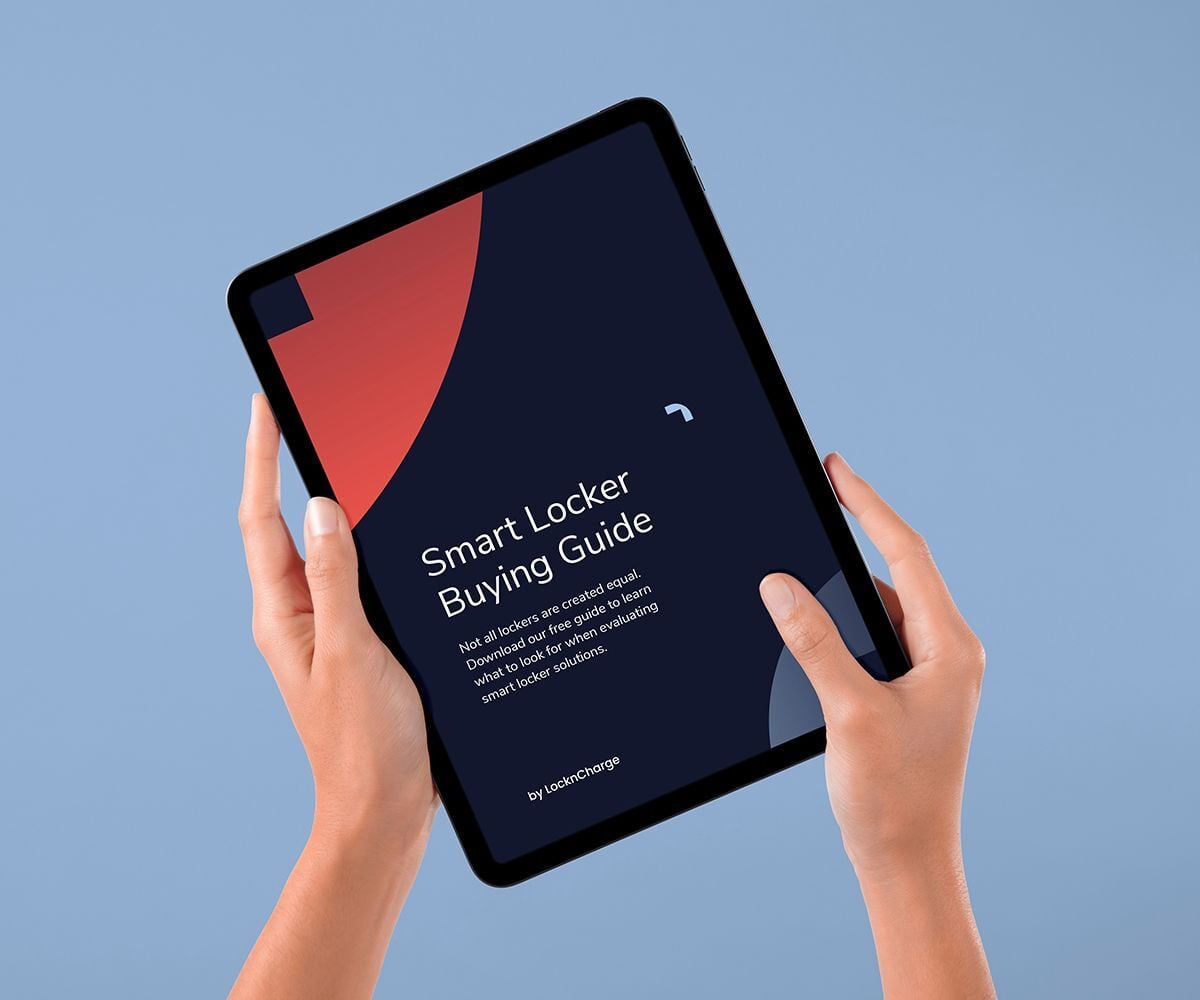
Your Smart Locker Buying Guide

Not all lockers are created equal. Download our free guide to learn what to look for when evaluating smart locker solutions.

Get the Guide

FAQ

Smart Locker systems combine connected locker hardware with cloud software that handles access, assignments, and usage data in one place. With smart workplace lockers, employees can securely store and retrieve items self-serve — while admins keep visibility, policies, and reporting centralised.

Flexible work needs flexible storage. Smart workplace lockers support hot-desking and hybrid schedules with keyless access, quick reassignment, and configurable rules — so the office adapts as teams move, roles change, and space gets rebalanced. 

There isn’t a single “correct” ratio — because it depends on attendance patterns, desk-sharing, shift overlap, and what people store. The goal is right-sizing: using data and policies to prevent unused lockers while ensuring storage is available when it’s needed. Smart workplace lockers make it easier to tune that ratio over time with real usage insight instead of guesswork.

Stay up-to-date with our latest news