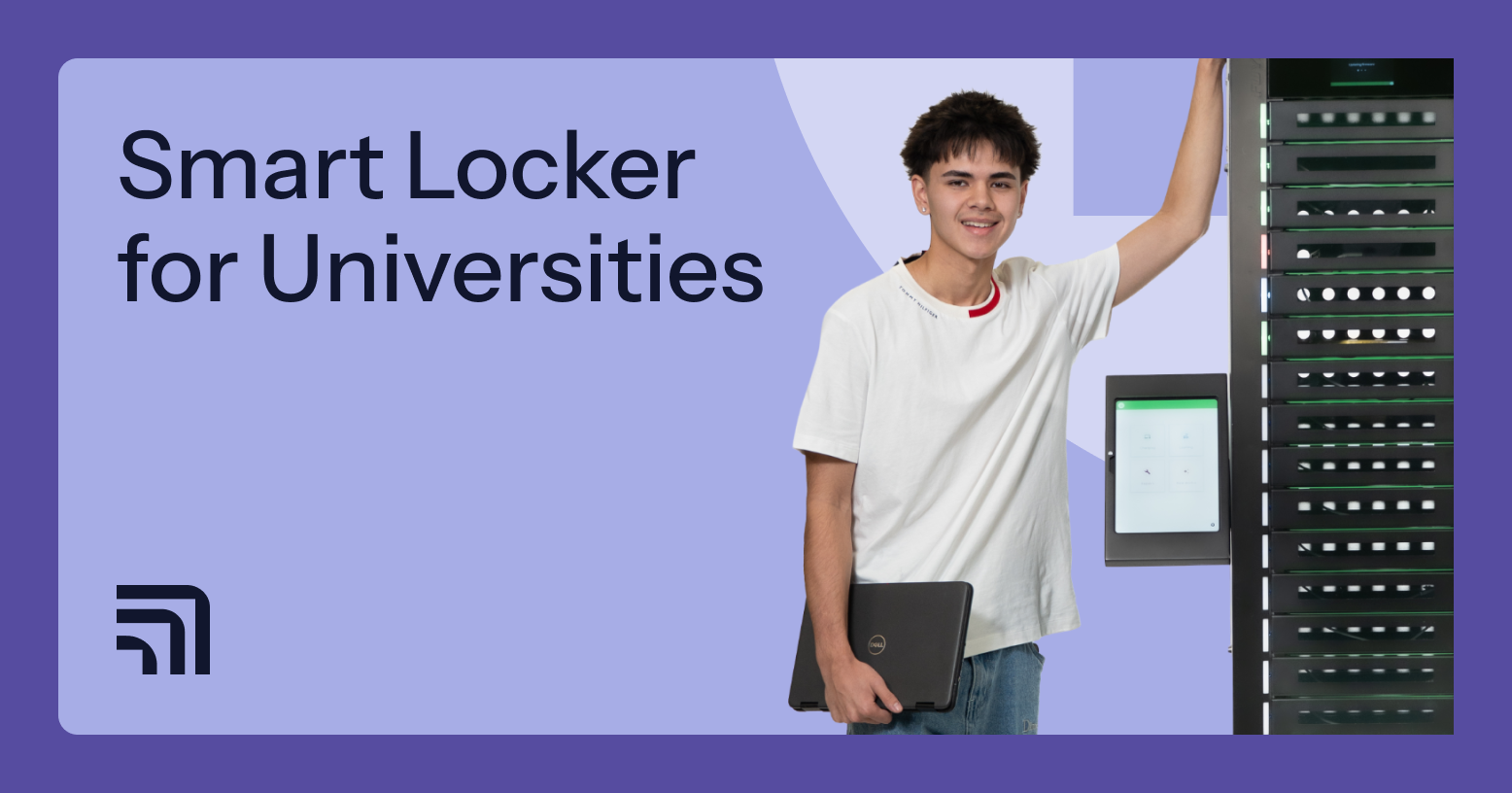
As university campuses expand, the complexity of package management, shared device monitoring, repairs, and high-density student housing increases. Traditional service desks and static locker rooms were not built for today’s volume, tracking demands, or distributed operations.
In response, institutions now adopt smart lockers — digitally managed storage systems that control access, log activity, and support secure pickup, returns, and device charging. In this article, we explain how smart lockers for universities work, where they are deployed, and how institutions assess them as long-term infrastructure.
TL;DR
- Best-fit smart locker deployments support device distribution, repairs, and charging.
- Smart locker rollouts begin with phased pilots, align with campus identity systems, and follow repeatable playbooks that scale building by building.
- Smart locker ROI ties to recovered IT and instructional hours, along with the cost efficiencies those hours unlock.
Why are universities modernizing locker infrastructure?
More universities are adding smart lockers alongside traditional lockers as operational pressure intensifies across campus services:
- Package volume growth. Annual parcel deliveries at Stanford increased from 350,000 to 570,000 since 2022, reflecting rapid scaling in campus mail complexity across universities.
- Student housing density. U.S. student housing reached 95.1% occupancy across 200 universities in 2025–2026, concentrating traffic and deliveries into limited residence access points.
- Device distribution. Institutions are expanding standardized device programs. The University of Kentucky alone has issued 30,000 iPads since 2019 (≈6,000 annually), increasing campus-managed fleet logistics.
- Staffing constraints. More than 62% of education respondents report cybersecurity staffing shortages as stressful, highlighting service strain and limited headcount.
- Security expectations. The average education-sector data breach cost rose to $3.8 million in 2025 (from $3.5M in 2024), increasing scrutiny on authenticated and logged physical handoffs.
How smart lockers for universities fit within campus operations
Smart locker systems act as a campus handoff layer for devices moving between IT, classrooms, labs, students, and faculty, without requiring staff to manage each pickup and return.
They are used for loaner distribution, collections, repair exchanges, and device charging for shared fleets, loaners, and BYOD between lectures and labs. Staff workflows follow the same model across departments and buildings.
Across these use cases, smart lockers typically provide:
- Cloud-based administration of device and packaging workflows
- Event logging for occupancy status, user authentication, and access history
- Self-service, identity-based access that supports 24/7 pickup and drop-off for students and faculty
Additional reading: Learn more about how smart locker systems work in our dedicated guide.
Where smart lockers are used on university campuses
Universities typically place smart lockers where high-volume handoffs already happen — or where a staffed handoff point is impractical.
Campus mailroom automation
Mailrooms and package centers are the most common starting points. Smart lockers are usually installed adjacent to the mailroom counter, in high-traffic lobbies, or in satellite pickup zones near residence clusters.
Typical uses include:
- Routing inbound parcels into locker banks for student pickup
- Managing outbound returns (students drop off, staff batch-collect)
- Supporting department deliveries (staff pickup on behalf of units)
- Creating overflow capacity during peak delivery seasons
Smart lockers for student residences
In housing, lockers are placed in residence hall lobbies, front desk areas, or secured vestibules where students already pass through daily. This placement supports late arrivals, weekend movement, and high-density living patterns.
Typical uses include:
- Package pickup for residents without front-desk queues
- After-hours pickup for students arriving late or returning from travel
- Consolidated delivery points for clustered dorms or apartment-style housing
- Temporary storage for move-in / move-out windows
- Support for international students with irregular schedules and time zones
IT device distribution and loaner programs
For IT, lockers are commonly placed near IT service desks, student support hubs, library IT corners, and academic buildings with heavy device usage (engineering, health, media labs).
Typical uses include:
- Scheduled laptop issuance in device loaner programs for universities and colleges
- Repair drop-off and pickup tied to service tickets (swap, return, reissue)
- Distribution of peripherals (chargers, dongles, hotspots) and returns
- Staging devices for onboarding periods (new term, new program cohorts)
- Supporting lifecycle workflows where devices move between users, IT, and storage
Library and equipment lending
Libraries and media centers place smart lockers near circulation desks, makerspaces, and 24/7 library entrances to extend lending beyond staffed desk hours.
Typical uses include:
- Camera and audio kit checkout and returns with identity-linked access
- Lab kit lending for course sections that meet at different times
- VR headset distribution for scheduled sessions or assignments
- Secure accessory pickup (batteries, tripods, adapters)
- Quarantine/inspection workflows when items require checks between loans (handled operationally by staff)
Staff and faculty resource access
For staff and faculty, lockers are typically deployed in department offices, admin buildings, faculty hubs, and restricted areas where shared assets circulate but shouldn’t be left unsecured.
Typical uses include:
- Pickup/return of shared staff laptops, tablets, and peripherals
- Departmental equipment access (presentation kits, conference devices)
- Secure charging and temporary storage between meetings and classes
- Controlled handoffs for visiting lecturers or contractors
- Identity-based access aligned with institutional security expectations (password authentication and documented access practices are common requirements in higher-ed device policies).
Operational benefits for higher education institutions
When deployed across mailrooms, housing, IT, and learning spaces, the benefits of smart lockers become visible at the campus level:
- Less pressure on mail and service desks. Fewer in-person handoffs and fewer peak-time backlogs during heavy delivery periods.
- A smoother day for students. Faster pickup/return routines, fewer missed pickups, and fewer “come back later” moments tied to office hours.
- Stronger accountability for physical assets. Clear records of who accessed what and when, supporting investigations, compliance needs, and internal controls.
- More reliable device access across programs. Steadier logistics for 1:1 initiatives, loaners, repairs, and BYOD support help minimize device downtime, especially during busy term starts.
- Better planning decisions. Real usage patterns (demand by building, time, and program) that help justify expansion, relocation, or right-sizing of locker capacity and support coverage.
Cost considerations for university smart locker deployments
Smart locker investments in higher education are typically evaluated based on operational fit and long-term value, not just initial purchase price.
Several smart locker cost factors influence the total cost of ownership:
- Campus size and deployment scope. A single-building rollout differs significantly from a multi-campus implementation. Scale affects coordination, software provisioning, and long-term support planning.
- Indoor vs. outdoor environments. Exterior placements may require weather-rated hardware and additional infrastructure considerations, while interior academic deployments are generally more standardized.
- Integration requirements. Connecting lockers with identity systems, device management platforms, or service desk tools can increase complexity depending on the existing campus IT architecture.
-
Modular expansion strategy. Universities often expand in phases. Systems designed to scale without full replacement reduce future capital disruption.
From a return perspective, institutions evaluate measurable time recovery and associated labor cost savings.
How to choose the right smart locker system for your university
Selecting university smart lockers should follow a structured, cross-departmental evaluation process — one that starts with operational priorities and ends with a scalable campus-wide plan.
|
Checklist area |
What to do |
|
Identify primary campus use case |
|
|
Align IT, facilities, and housing stakeholders |
|
|
Assess integration requirements |
|
|
Evaluate scalability needs |
|
|
Consider student residence deployment |
|
|
Plan for multi-building expansion |
|
Additional reading: Explore the best mobile device management tools to complement smart locker workflows and campus device programs.
Best practices for implementing smart university lockers
Device lifecycle management in education benefits from a structured change process — starting with a focused pilot, then measurement, refinement, and phased expansion.
|
Implementation checklist area |
What to do |
|
Start with a pilot deployment |
|
|
Choose high-traffic buildings |
|
|
Integrate with campus ID systems |
|
|
Communicate rollout clearly |
|
|
Monitor adoption metrics |
|
ForwardPass: Long-term university infrastructure
ForwardPass smart lockers give universities a consistent way to manage device loans, deployments, returns, repairs, replacements, and charging. Campus teams can extend self-service access across buildings while managing workflows and reviewing activity remotely.
- Built for campus use: Durable, ventilated bays protect devices in libraries, IT hubs, residence halls, and administrative buildings.
- Flexible capacity: Smart lockers with 5 to 23 bays accommodate different device pools, daily demand, and available campus space.
- Self-service handoffs: On-screen guidance helps students and faculty collect, return, or drop off devices for repair without routine staff assistance.
- Policy-aligned workflows: Configure loan durations, return deadlines, and user-group access to support short-term borrowing, semester programs, and departmental requirements.
- Campus sign-in: SSO lets users authenticate with organizational credentials, while QR codes, barcodes, and compatible ID badges offer additional access methods.
- Asset management connections: Configured webhooks can update existing inventory records when devices are collected or returned, keeping custody history alongside asset information.
- Ticketing connections: IT can create or update support tickets from selected locker events through configured webhooks, reducing manual entry and keeping follow-up work recorded.
- Ongoing support: Onboarding, training, and continued assistance help campus teams introduce, maintain, and expand their device handoff processes.
Request a personalized demo to see how ForwardPass can support your university’s device workflows and long-term infrastructure planning.

FAQ
What are smart lockers for universities?
Smart lockers for universities are digitally managed storage systems used to handle device distribution, charging, repairs, and high-volume package workflows across campus buildings.
Are smart lockers secure for student residences?
Yes, smart lockers for student residencies use authenticated access, user-level permissions, and access logs to support controlled pickup and clear accountability in residence hall environments.
Can university smart lockers integrate with campus IT systems?
Yes. ForwardPass supports SSO with a range of campus identity providers. Configured webhook connections can also update asset records, create or update support tickets, and send operational notifications. This helps campus teams keep device handoffs connected to their existing inventory, support, and communication processes.
How do universities use smart lockers for device distribution?
Universities use them to issue loaner laptops, manage repair drop-offs and swaps, distribute accessories, and support short- or long-term device programs without relying on manual desk handoffs.
What factors influence the cost of university smart lockers?
The total cost of smart lockers depends on scope, integration complexity, environment (indoor or outdoor), scalability needs, and long-term operational planning.